
Although Sports Interactive signs new licensing agreements with different leagues every year to reduce the number of unlicensed teams and competitions in the game, one of the biggest shortcomings of the Football Manager 26 series is still the lack of official team logos.
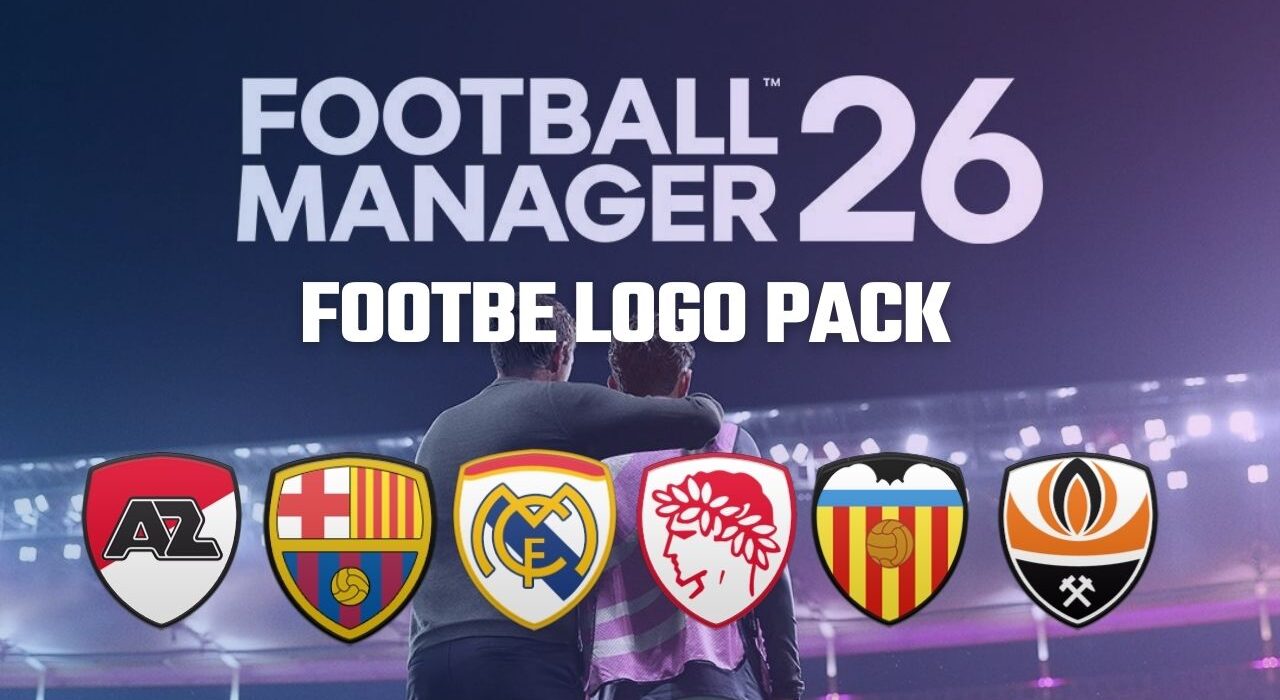
That’s where community-made logo packs come in. One of the packs that can help solve the logo problem in FM26 is the Footbe Logo Pack.
It wouldn’t be wrong to say that “FM26 Logo Pack” is one of the most searched topics among Football Manager players. Among the available logo packs for FM26, the Footbe Logo Pack stands out as one of the smallest and lightest options.
The Footbe pack is prepared and distributed by the team at FM Scout and has attracted the attention of many Football Manager players who prefer smaller downloads and quicker installation.
Compared to larger logo packs, the Footbe Logo Pack is very compact:
Footbe Logo Pack: ~40 MB
Metallic Logo Pack: ~8.44 GB
Considering that the popular Metallic pack used by many players in Football Manager 26 is over 8 GB, it’s easy to understand the smaller size and more limited number of logos included in the Footbe Logo Pack.
However, thanks to its very small file size, the Footbe pack is a good option for players who want a quick and lightweight logo solution without downloading huge graphic packs.
FM 26 Footbe Logo Pack Installation
1) First, download the logo pack and First, extract the downloaded rar file to a folder.
Click here to download the FM 26 Footbe Logo Pack
2) If you have previously downloaded and used any logo patch in FM 26, you should choose one to avoid logo patch conflicts. Therefore, we recommend deleting the other face patch you previously placed in the C:\Users\Username\Documents\Sports Interactive\Football Manager 26\graphics\logos folder. (Documents\Sports Interactive\Football Manager 26\graphics\logos)
3) Copy the folder of the logo pack you downloaded to C:\Users\Username\Documents\Sports Interactive\Football Manager 26\graphics\logos. (Documents\Sports Interactive\Football Manager 26\graphics\logos)
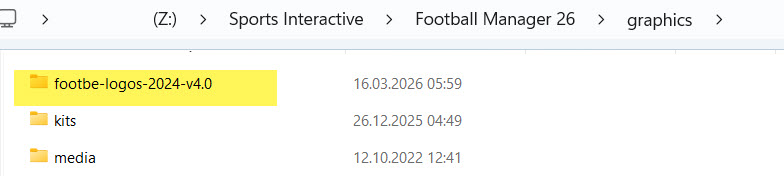
It will also work if you copy it like in the screenshot below.
This step is very important; absolutely do not have any more nested folders.
4) If the graphics folder does not exist in the Sports Interactive\Football Manager 2024 folder, create it. If you have a graphics folder but it does not have a logos folder inside, you must create that folder as well.
5) Launch Football Manager 26.
6) The FM26 Football Logo patch has been added to your game. Enjoy!
Note: Due to numerous questions on this topic, we’d like to clarify that the Logo Pack can also be used in saved games. Additionally, the logo pack can be installed in original games by following the installation steps above.