
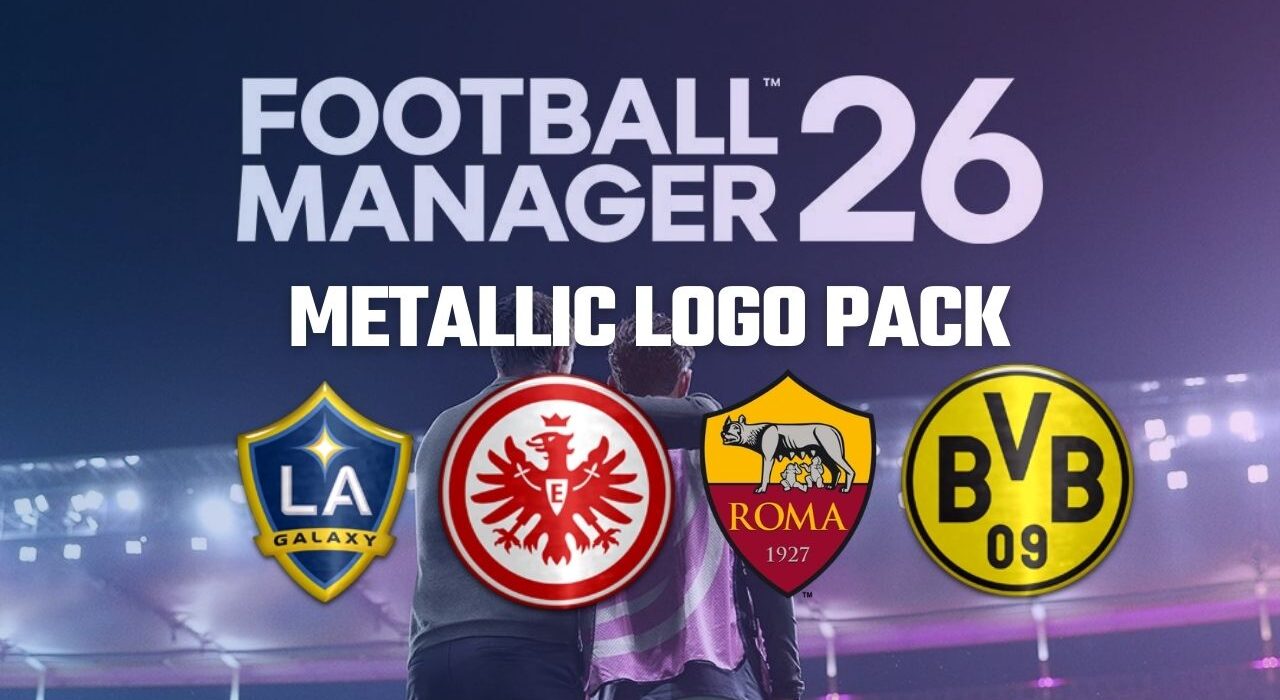
Although Sports Interactive continues to sign new licensing agreements every year to reduce the number of unlicensed leagues and teams, one of the biggest missing elements in the Football Manager series remains official club logos. That’s exactly where the FM26 Logo Pack (Metallic) comes in.
For many players of Football Manager 26, “FM26 Logo Pack” is one of the most searched topics online. Among all available logo packs, the Metallic Logo Pack stands out as one of the most popular and complete options — prepared and maintained by the Sortitoutsi team.
What Is the FM26 Metallic Logo Pack?
The Metallic Logo Pack:
Replaces default club badges with high-quality metallic-style logos
Covers thousands of clubs and competitions
Is updated with every new Football Manager release
Can be reused in future editions of the series
Although the download process may take some time, it’s a one-time installation that you can continue using in every new Football Manager title. With a size of approximately 5 GB, the FM26 Metallic Logo Pack is one of the largest and most comprehensive logo packs ever created for the series.
How to Download the FM26 Metallic Logo Pack
Before moving on to installation, here’s how to download the pack:
- Scroll to the bottom of the article and click the FM26 Metallic Logo Pack download link.
You will be asked to register on Sortitoutsi’s website.
Registration is completely FREE.
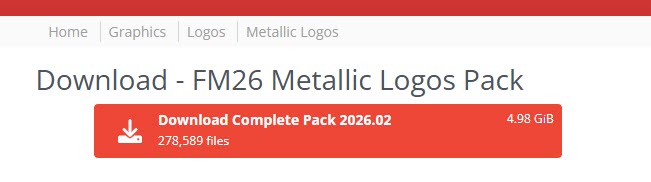
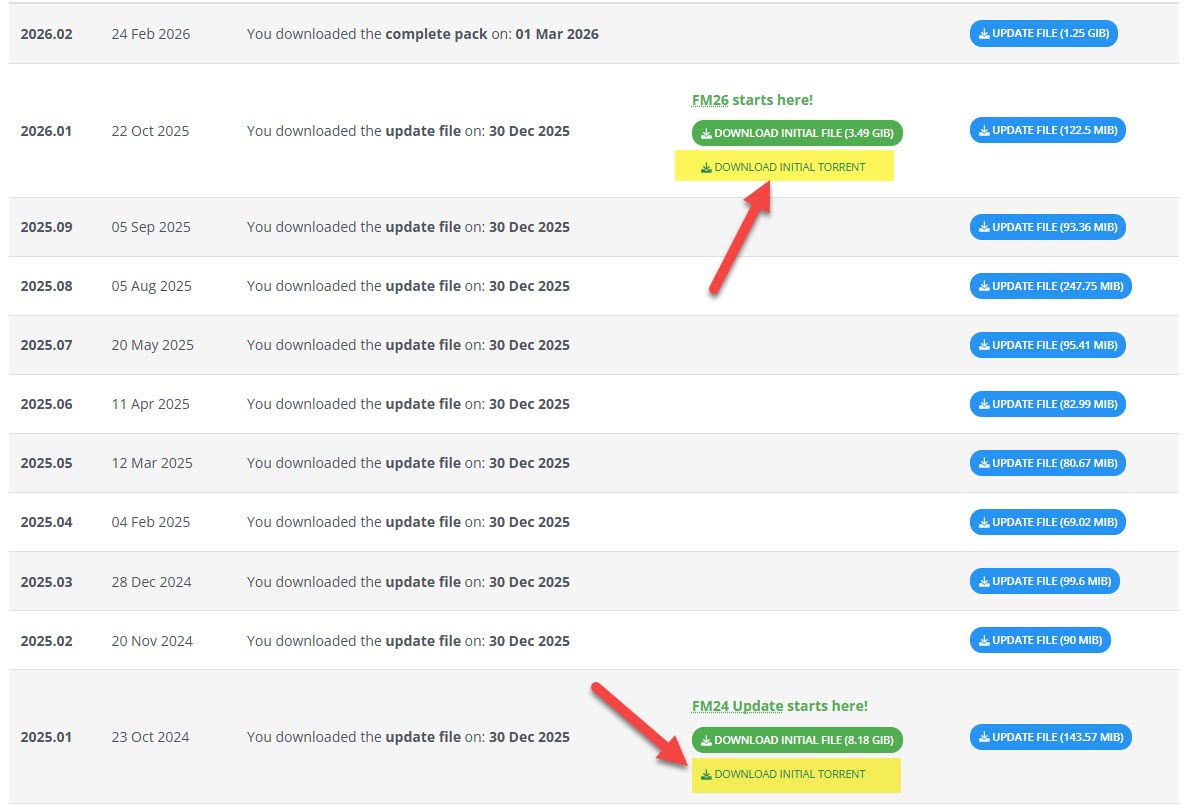
After logging in, click the red button labeled:
“Download Complete Pack 2026.02”
Once downloaded, you can proceed with the installation steps.
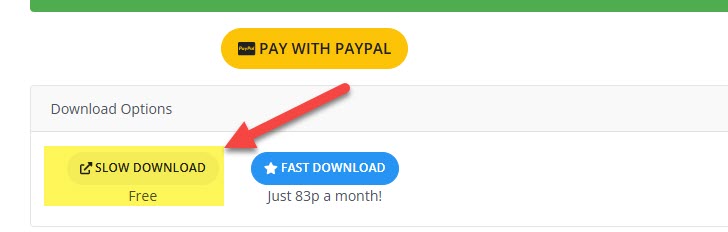
When you click the download button, you may see a page displaying PayPal or donation details. Don’t worry — you are not required to pay to download the logo pack. Simply scroll down the page and click the link labeled “Slow Download” (as shown in the screenshot).
This will start downloading the approximately 5GB Metallic Logo Pack for Football Manager 26. Wait until the download is fully completed before proceeding.
Alternative: Download via Torrent
If you prefer to download the pack via torrent:
1) Click the “Download Change Files” button (as shown in the screenshot).
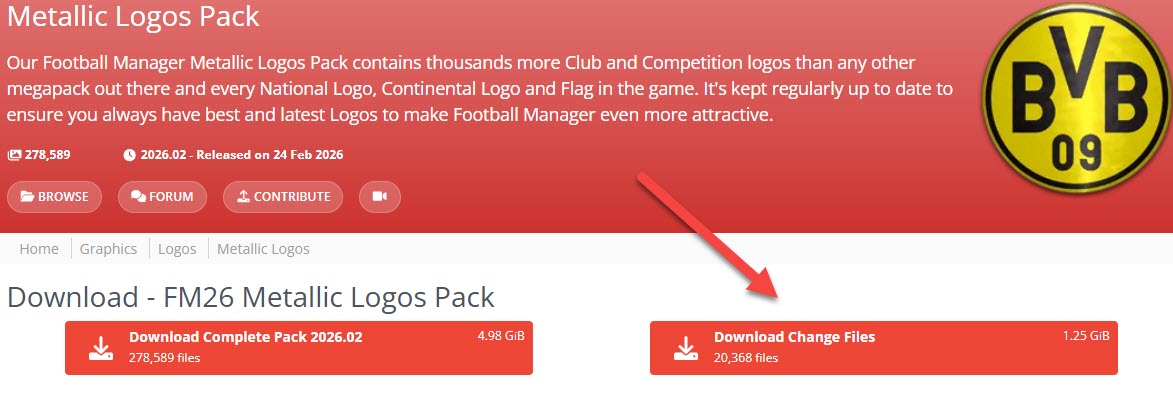
2) On the next page, you will see the available torrent files.
3) You can download the FM26 Metallic Logo Pack via torrent from there.
This method may be faster depending on your internet speed.
FM 26 Metallic Logo Pack Installation
1) First, extract the downloaded rar file to a folder.
2) If you have previously downloaded and used any logo patch in FM 26, you should choose one to avoid conflicts. Therefore, we recommend deleting the other face patch you previously placed in the C:\Users\Username\Documents\Sports Interactive\Football Manager 26\graphics\logos folder. (Documents\Sports Interactive\Football Manager 26\graphics\logos)
3) Copy the folder of the logo pack you downloaded to C:\Users\Username\Documents\Sports Interactive\Football Manager 26\graphics\logos. (Documents\Sports Interactive\Football Manager 26\graphics\logos)
It will also work if you copy it as shown in the screenshot below.
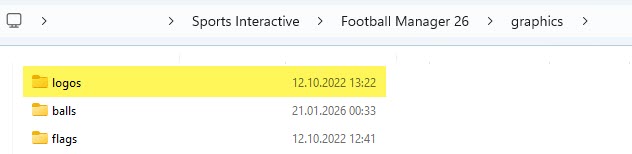
This step is very important; absolutely do not have any more nested folders.
4) If the graphics folder does not exist in the Sports Interactive\Football Manager 26 folder, create it. If you have a graphics folder but it does not contain a logos folder, you must create that folder as well.
5) Launch Football Manager 26.
6) The FM26 Metallic Logo patch has been added to your game. Enjoy!
Click here to download the FM 26 Metallic Logo Pack
Note: Due to numerous questions on this topic, we’d like to clarify that the Logo Pack can also be used in saved games. Additionally, the logo pack can be installed in original games by following the installation steps above.