
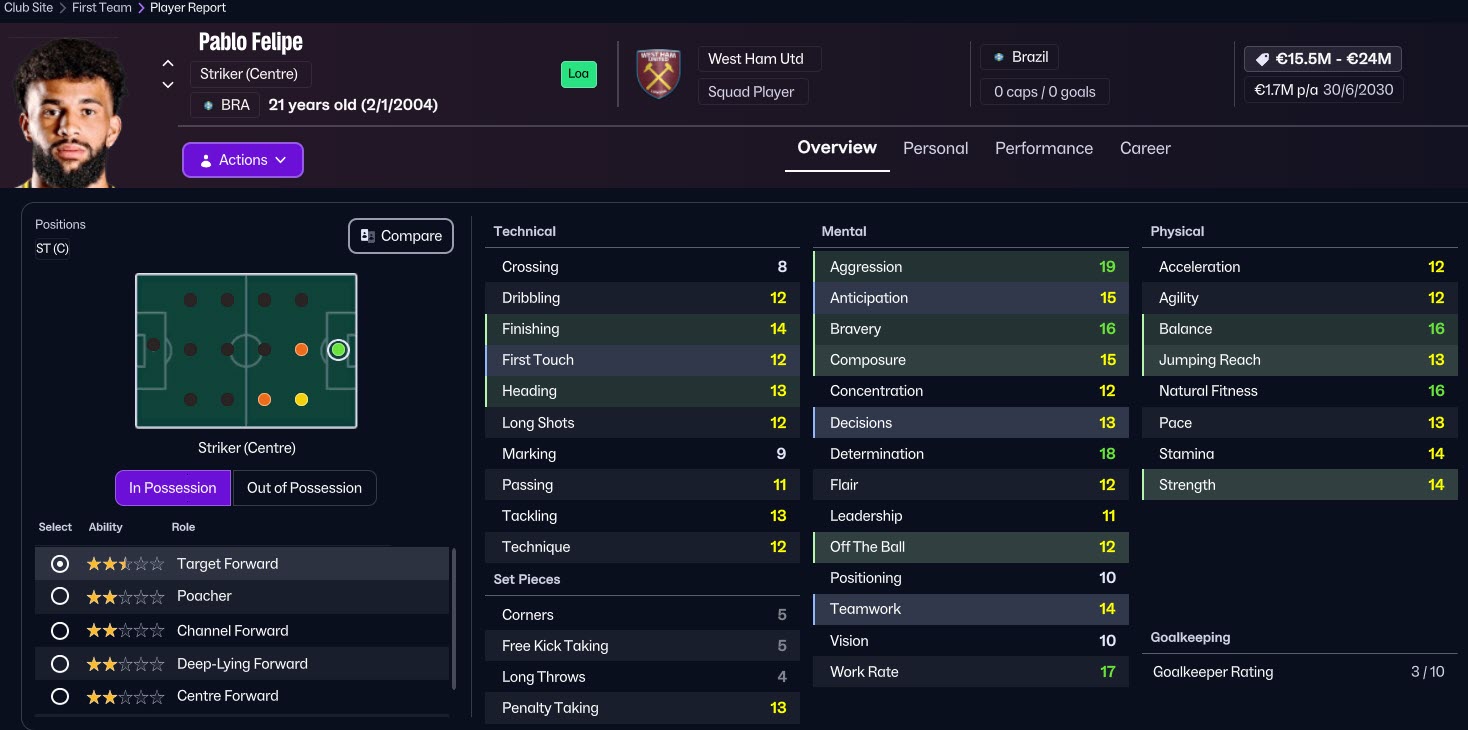
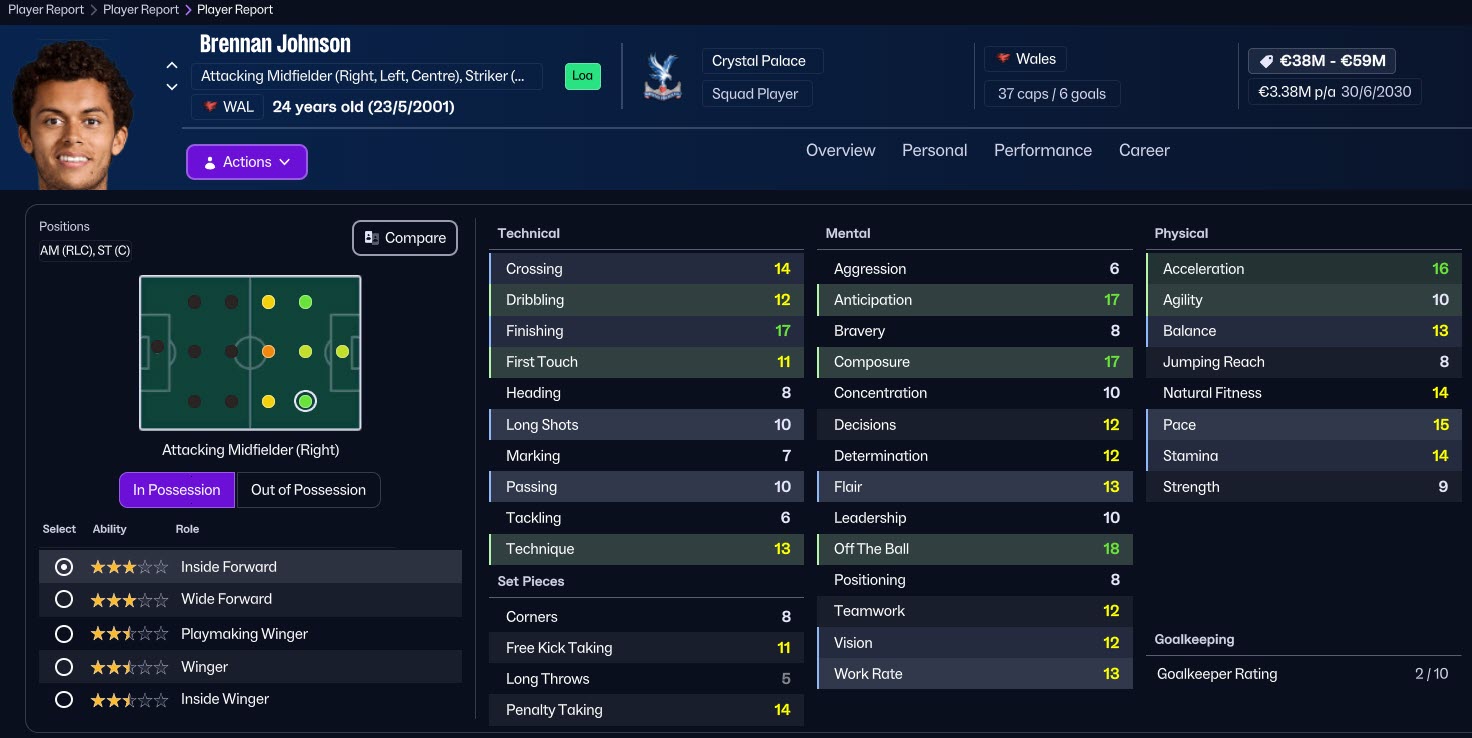
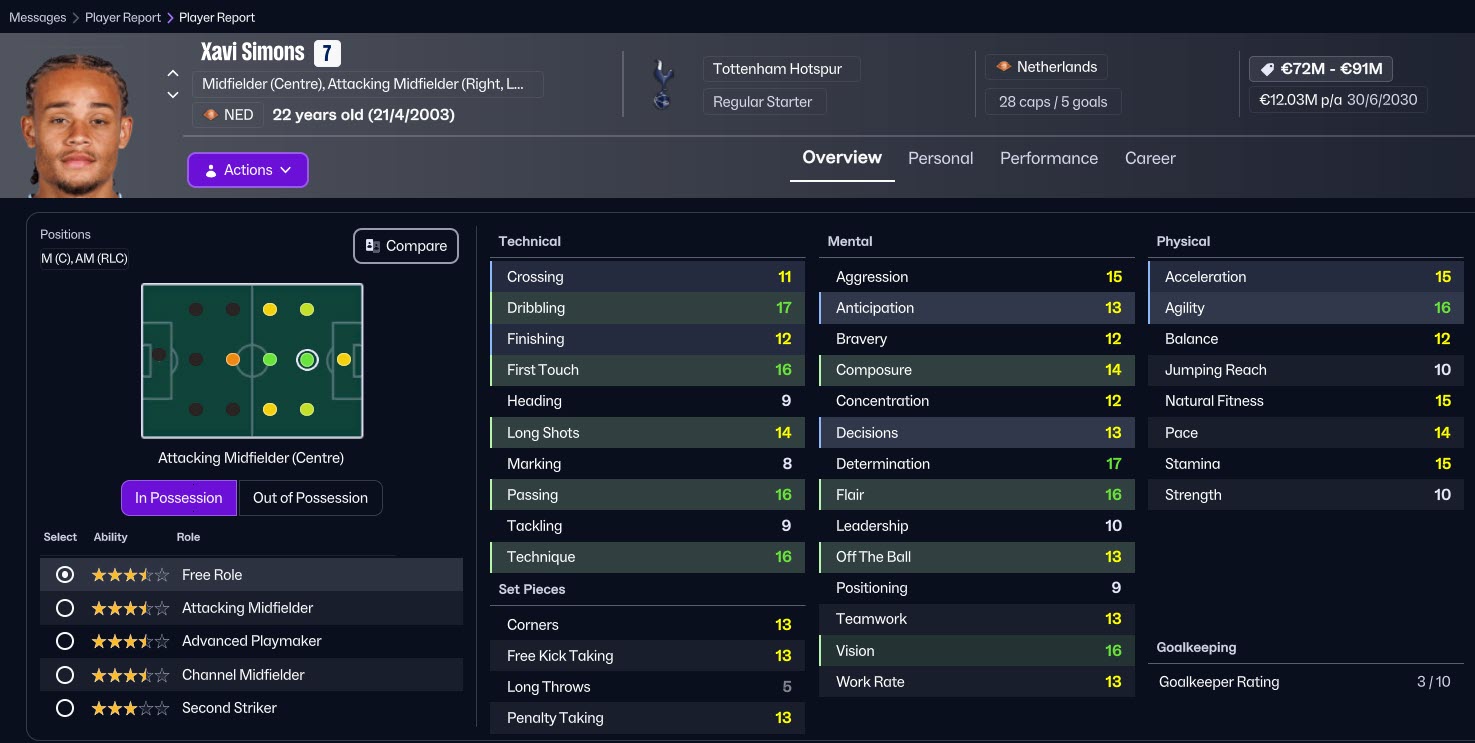
Before the official winter transfer update for Football Manager 26 is released, patch creators have once again stepped in to help players who want to play with the latest transfers and updated squads. With the 2025–2026 winter transfer window underway, many Football Manager fans have started searching for an FM26 updated transfer patch. If you don’t want to wait for the official update, you can already access the latest transfers through this community-made FM26 winter transfer database.
Here’s everything you need to know about the FM26 updated transfer patch available before the official release.
Instead of waiting for the official winter update expected from Sports Interactive toward the end of February, players who want to enjoy FM26 with the most recent transfers can use the winter transfer update prepared by the Sortitoutsi team.
This FM26 transfer patch:
Includes nearly all completed 2025–2026 winter transfers
Is updated almost daily
Keeps squads aligned with real-life transfers
Allows you to start a save with fully updated teams
We would like to thank the Sortitoutsi team for their continuous effort and frequent database updates.
Now, let’s move on to the FM26 winter transfer patch installation steps so you can start your updated career right away.
FM26 Winter Transfer Patch Installation Guide
— Updated: February 28, 2026 —
1) Download the latest transfer patch.
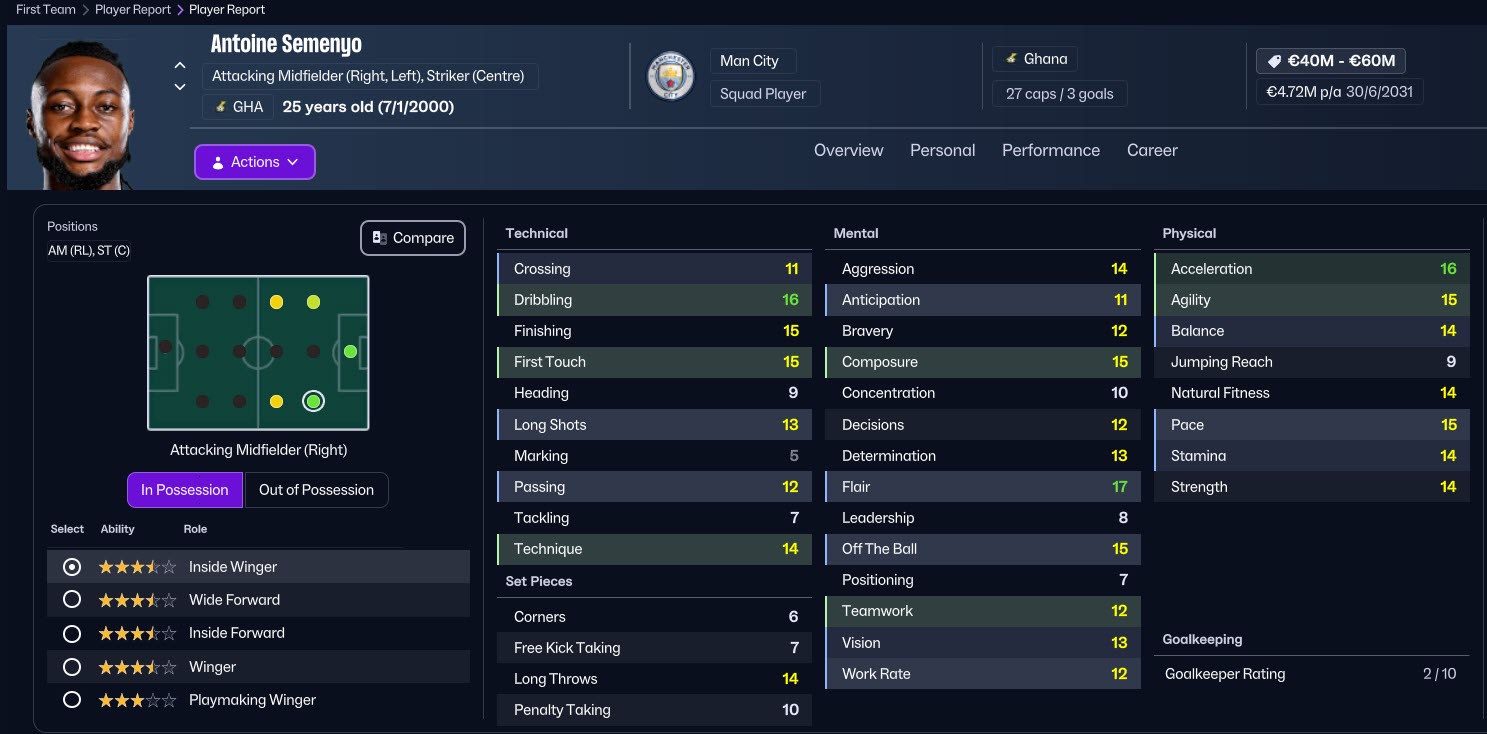
On Sortitoutsi, click on the section that says “Download Free FM26 Version” as shown in the screenshot. Extract the downloaded file to a folder using WinRAR or similar file extraction software.
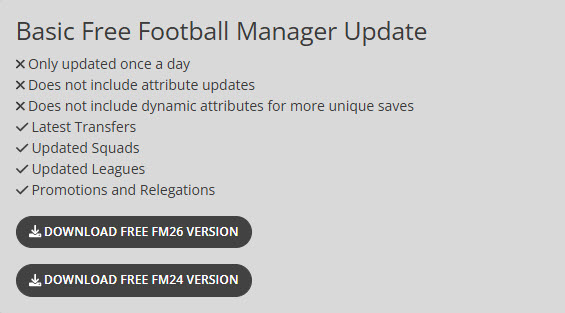
Place all the extracted files into C:/Users/“username”/Documents/Sports Interactive/Football Manager 26/editor data. (Documents\Sports Interactive\Football Manager 26\editor data)
2) Now open Football Manager 26 and follow the steps below one by one.
3) Click the “Start a New Career” button.
4) Click the “Advanced Career Settings” button.
5) Click the “Database” section in the upper right corner and select all the files you placed in the editor data folder.
- sortitoutsi.net FM26 Data Update – Contracts
- sortitoutsi.net FM26 Data Update – Daniel Tanżyna
- sortitoutsi.net FM26 Data Update – England Lower League Pyramid
- sortitoutsi.net FM26 Data Update – Japan Level 10
- sortitoutsi.net FM26 Data Update – New People
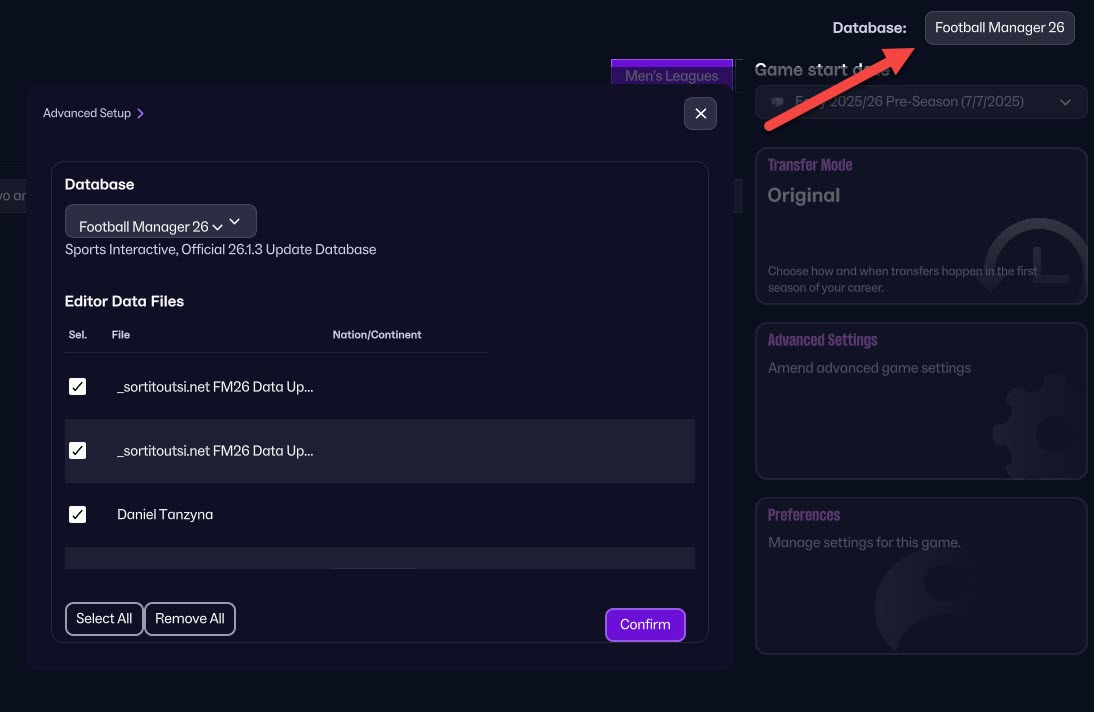
The patch you downloaded from Sortitoutsi also includes fixes/additions for the English lower leagues and the Japanese J League; you can choose not to select these if you wish.
6) After selecting the files, choose the leagues you want to play in and press the “Load Database” button.
7) The FM26 transfer patch is now active in your game. Have a successful career!