
With the release of Football Manager 26, one of the areas players spend the most time exploring is the newly updated tactics screen. While trying to understand the new tactical interface, many managers are also starting their first careers in FM26.
Just like in previous Football Manager titles, there are two types of players: those who prefer creating their own tactics from scratch and those who prefer ready-made tactics created by the community while they learn the system.
Because of this, we will continue sharing FM26 ready tactics with you throughout the season. But first, let’s explain how you can install and use these tactics in FM26.
With the game now available, community-created tactics for FM26 have already started appearing across Football Manager websites and forums.
For players who want to test these tactical setups, here are the FM26 tactic installation steps you need to follow.
Below you can find the simple guide for how to load ready-made tactics into Football Manager 26.
How to install FM 26 Tactics?
1. You need to place the downloaded file into C:/Users/“username”/Documents/Sports Interactive/Football Manager 26/tactics (Documents\Sports Interactive\Football Manager 26\tactics).
Tactics files are usually .fmf files. If the file you downloaded is a .rar file, first extract it to a folder and then place the .fmf file inside the tactics folder.
2. If the tactics folder doesn’t exist in the Sports Interactive\Football Manager 26 folder, create it.
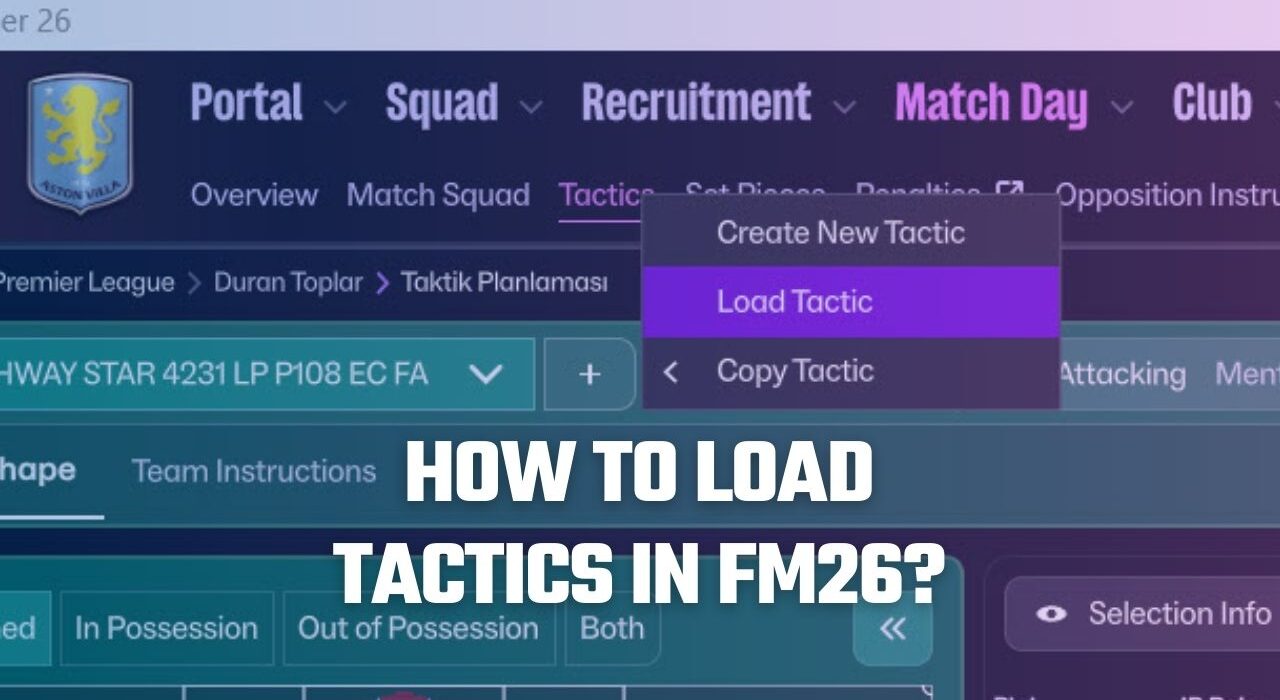
3. Now it’s time to choose your tactics in the game. When you start the game, go to the tactics section. On the tactics page, press the + icon as shown in the screenshot and then press the Load Tactic button.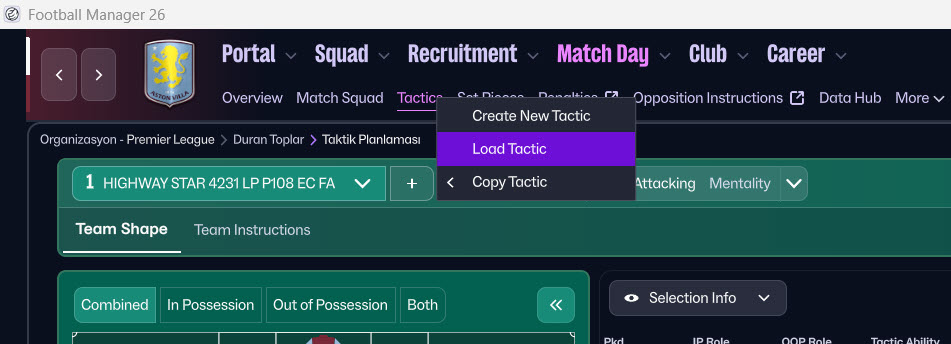 4- The files you placed in the Tactics folder are now visible. Choose the tactic you want to use and add it to your game.