
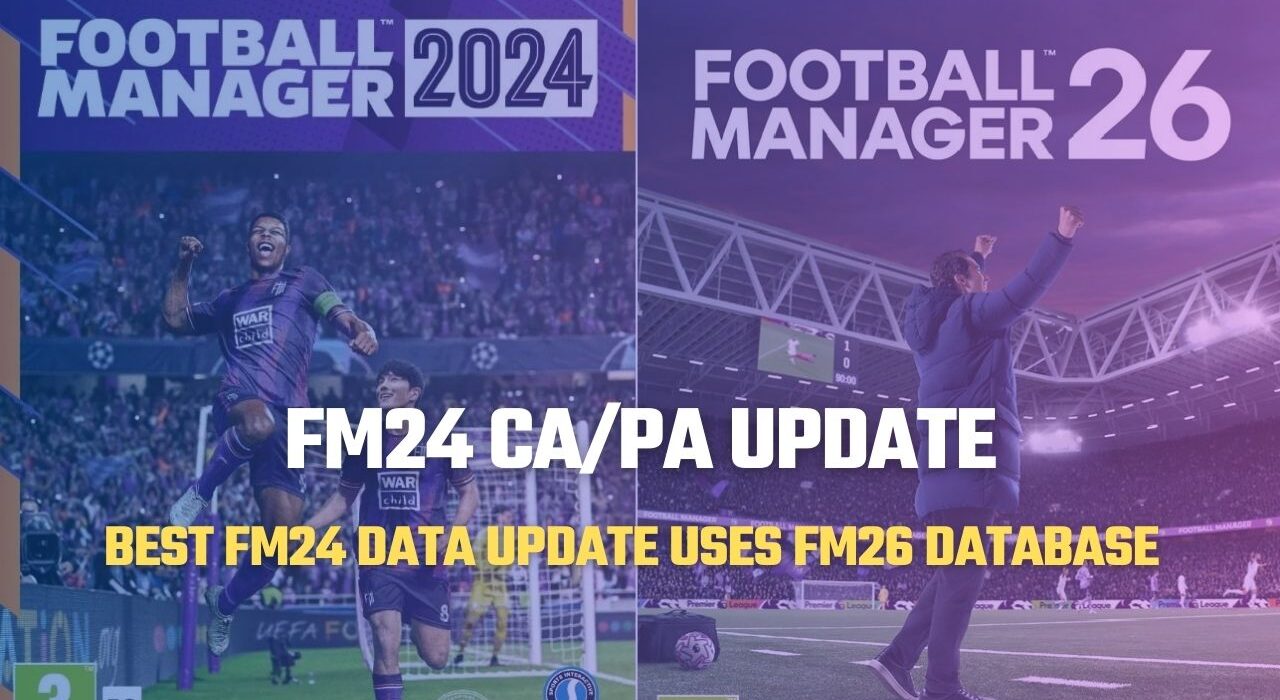
The patch that everyone searching on Google for “FM24 FM26 mod”, “FM24 FM26 update”, and “FM24 FM26 database” has been waiting for is finally here.
This comprehensive update transforms Football Manager 2024 into a near-Football Manager 26 experience by updating the Current Ability (CA) and Potential Ability (PA) of more than 40,000 players. In addition, the patch introduces 300+ new wonderkids into FM24, significantly refreshing your save with next-generation talent.
Here are the full details and installation steps of the patch that effectively brings FM24 closer to FM26.
What Does the FM24 FM26 Update Include?
Designed for players who want to turn Football Manager 2024 into FM26, this database update imports:
Updated CA/PA values from FM26
Attribute adjustments (finishing, passing, pace, and more)
Over 40,000 player ability updates
300+ newly added wonderkids
Refreshed player profiles based on FM26 data
The patch ensures that player attributes such as finishing, passing, pace, and other key stats are aligned with their FM26 profiles, delivering a more realistic and up-to-date gameplay experience.
Although the installation process may seem slightly complex at first glance, following the steps carefully will allow you to enjoy a smooth and fully updated FM24 career mode experience.
One of the Most Accurate and Reliable FM24 Patches Available
The patch you are currently reading about is one of the most accurate and reliable updates available for Football Manager 2024.
While the popular 2025 start date patches can sometimes cause issues — particularly with loan players and contract structures — this update avoids those common problems and provides a much more stable experience.
In many 2025 start database files, users may encounter inconsistencies related to loan deals, player registrations, or contract timelines. However, this patch focuses on maintaining database integrity while still delivering fully updated player data.
Special thanks to 5EDT for creating and maintaining this highly detailed FM24 FM26 database update and bringing the FM26 player data experience to Football Manager 2024.
Updated Transfers with Visual Proof
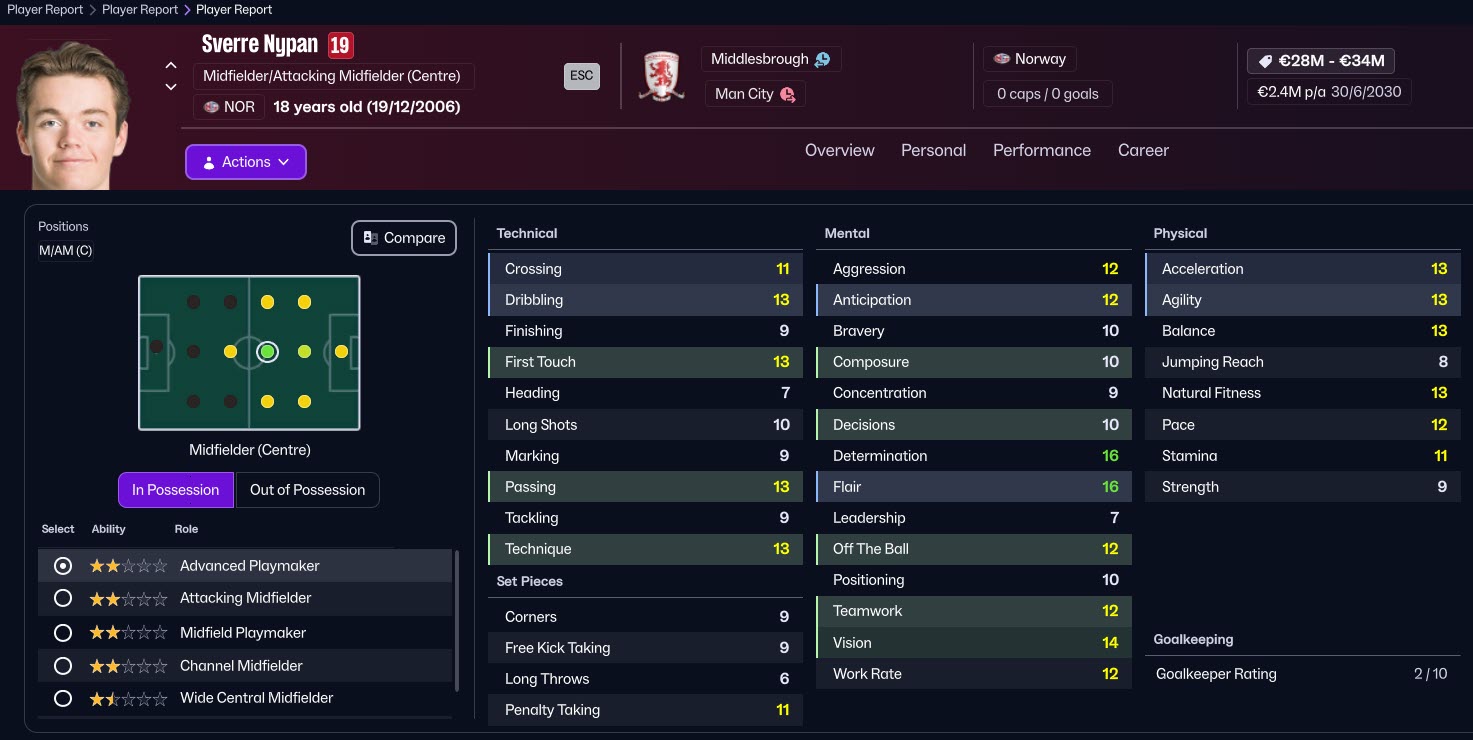
To ensure transparency and accuracy, we are also sharing in-game screenshots of the latest confirmed transfers included in the patch. This allows you to clearly see that squads, player movements, and ability changes have been properly implemented.
If you’re looking for a stable FM24 database update with accurate transfers and minimal bugs, this patch stands out as one of the best available options.
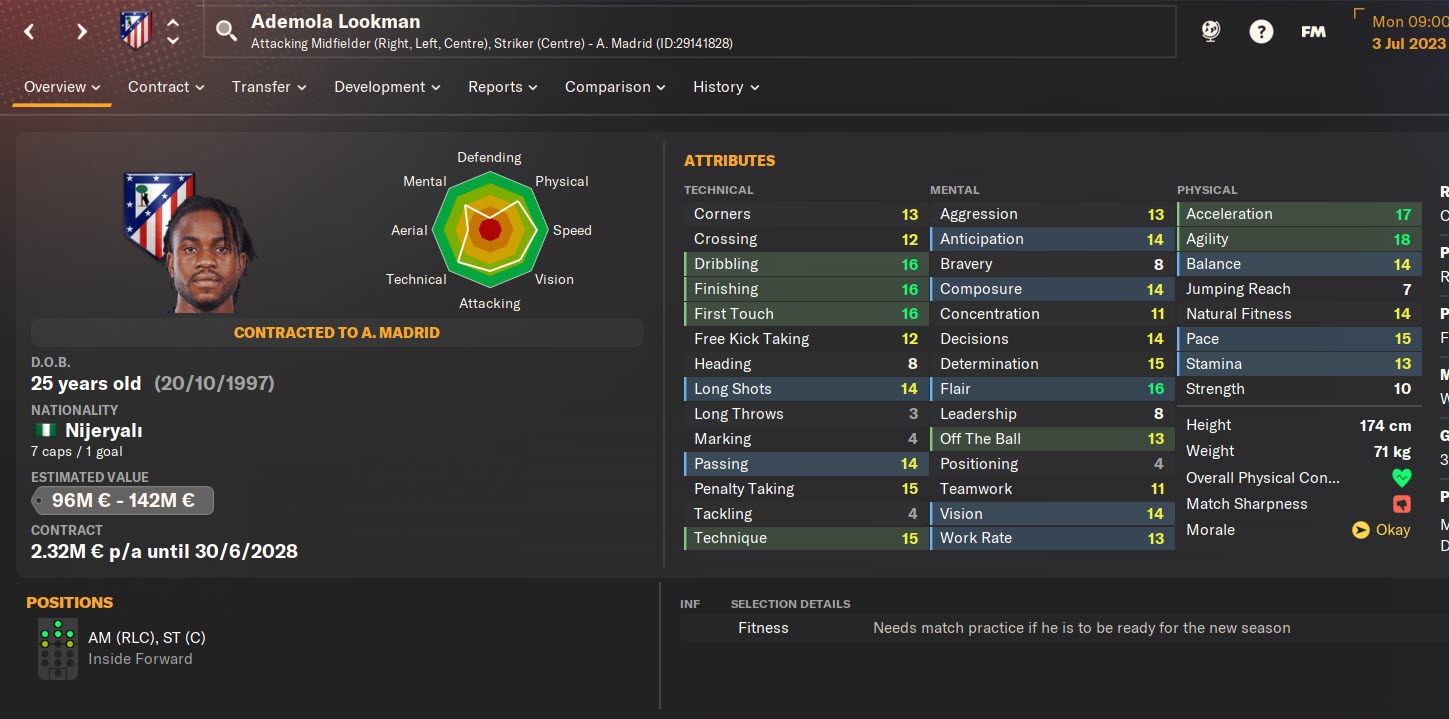
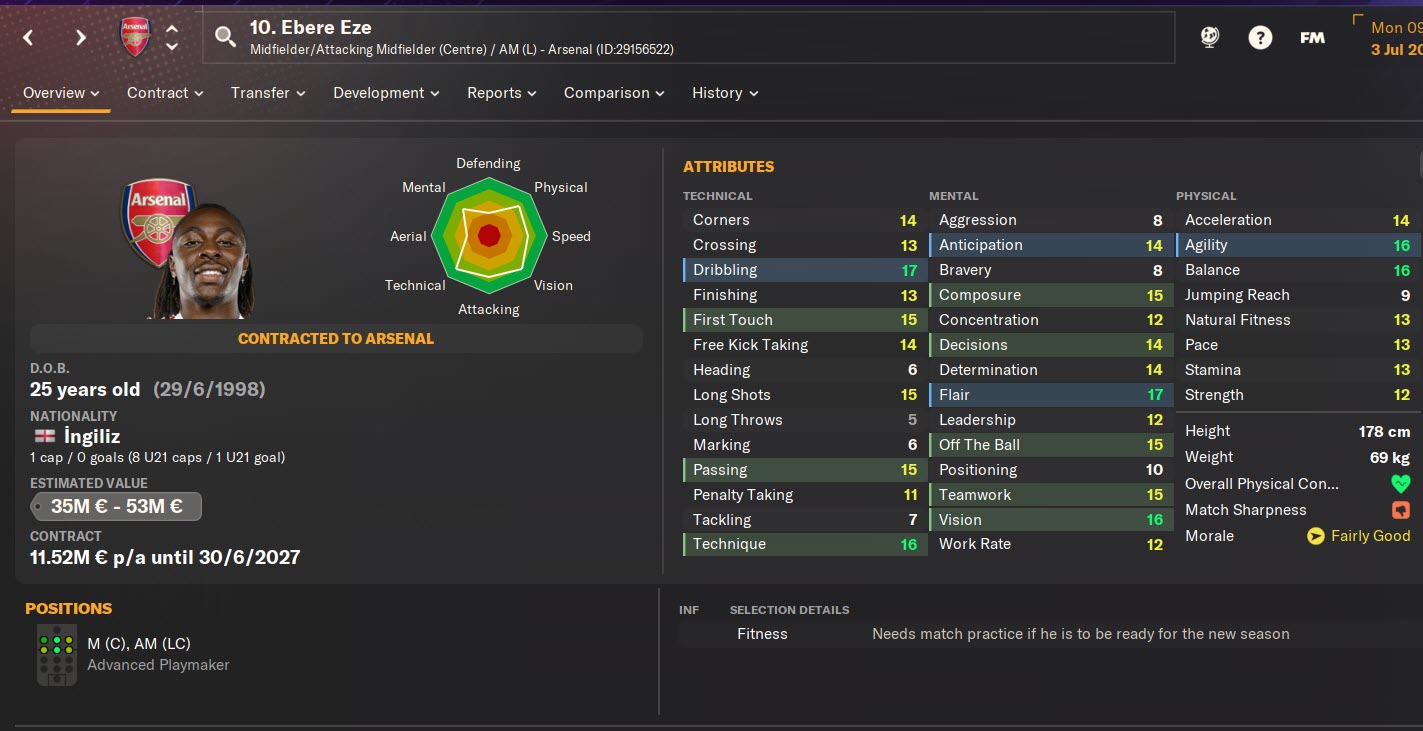
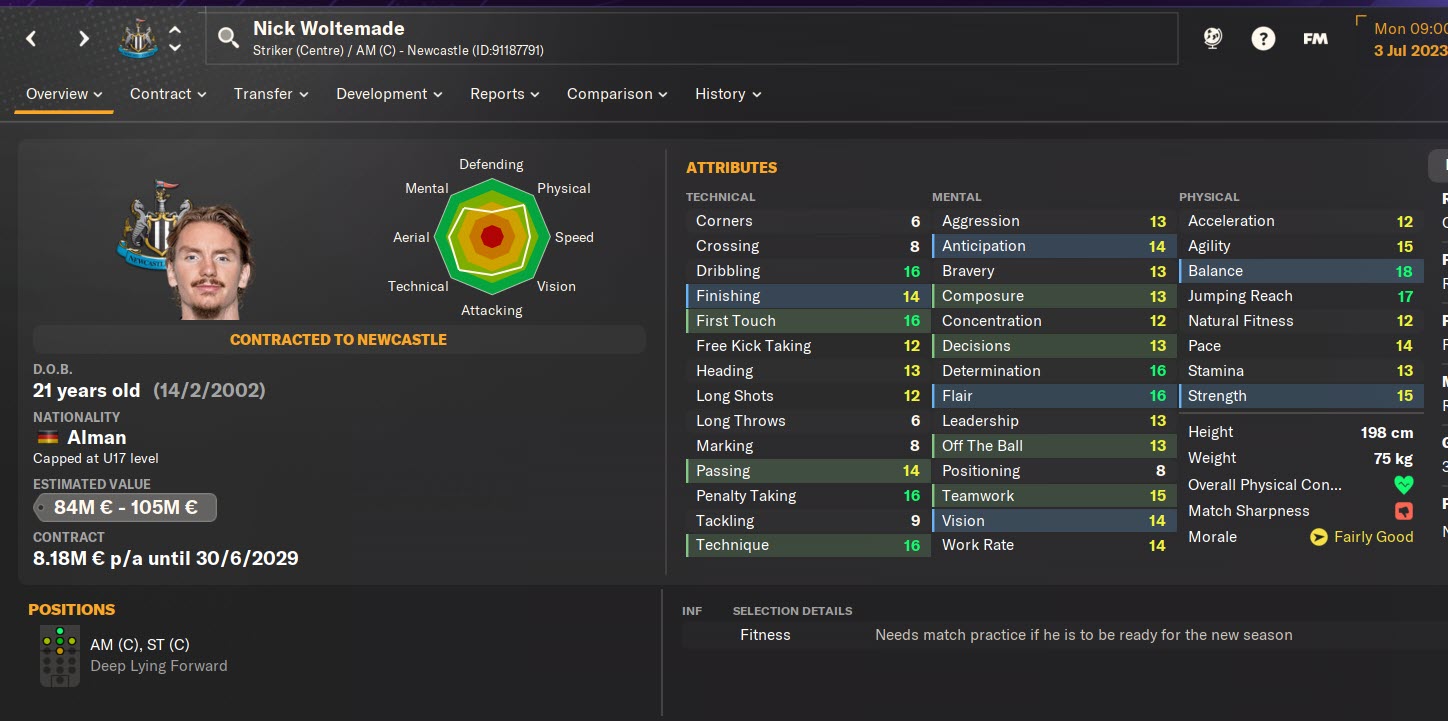
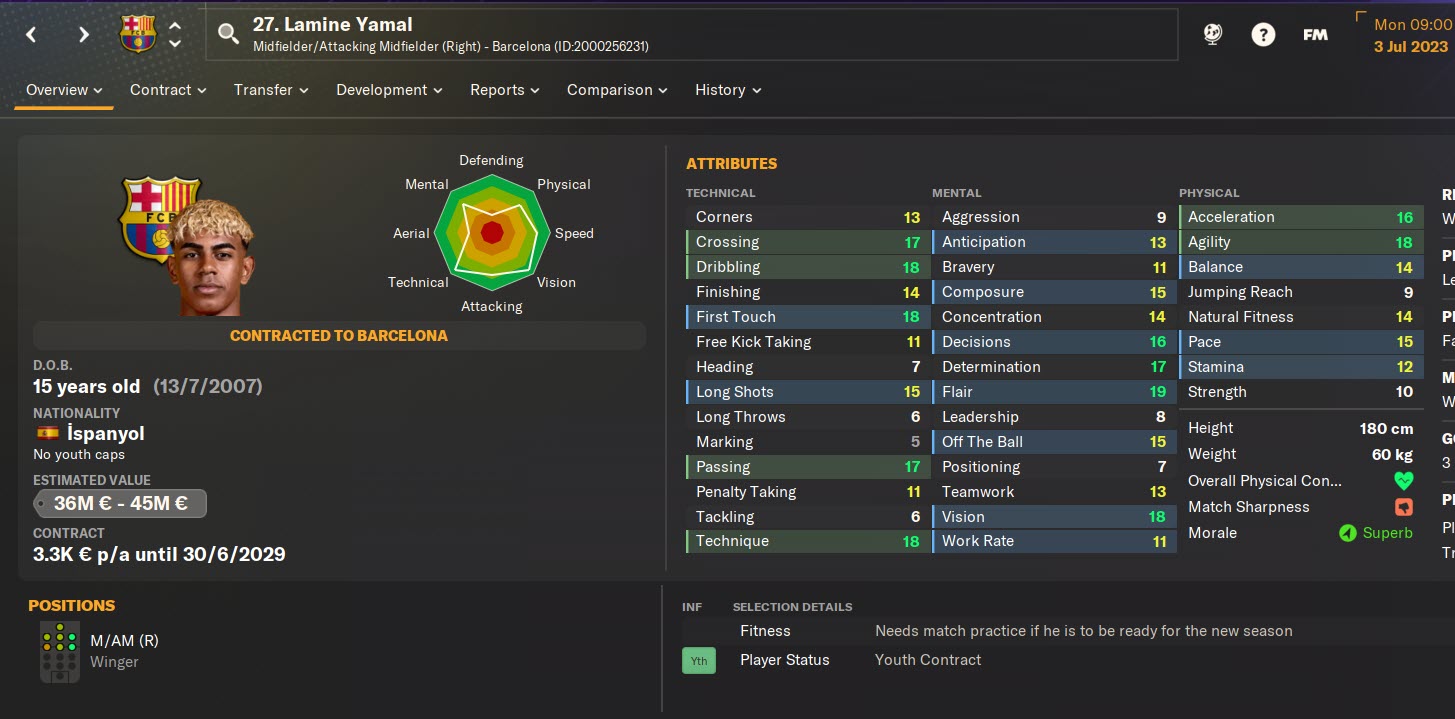
Lamina Yamal FM24 Patched Profile
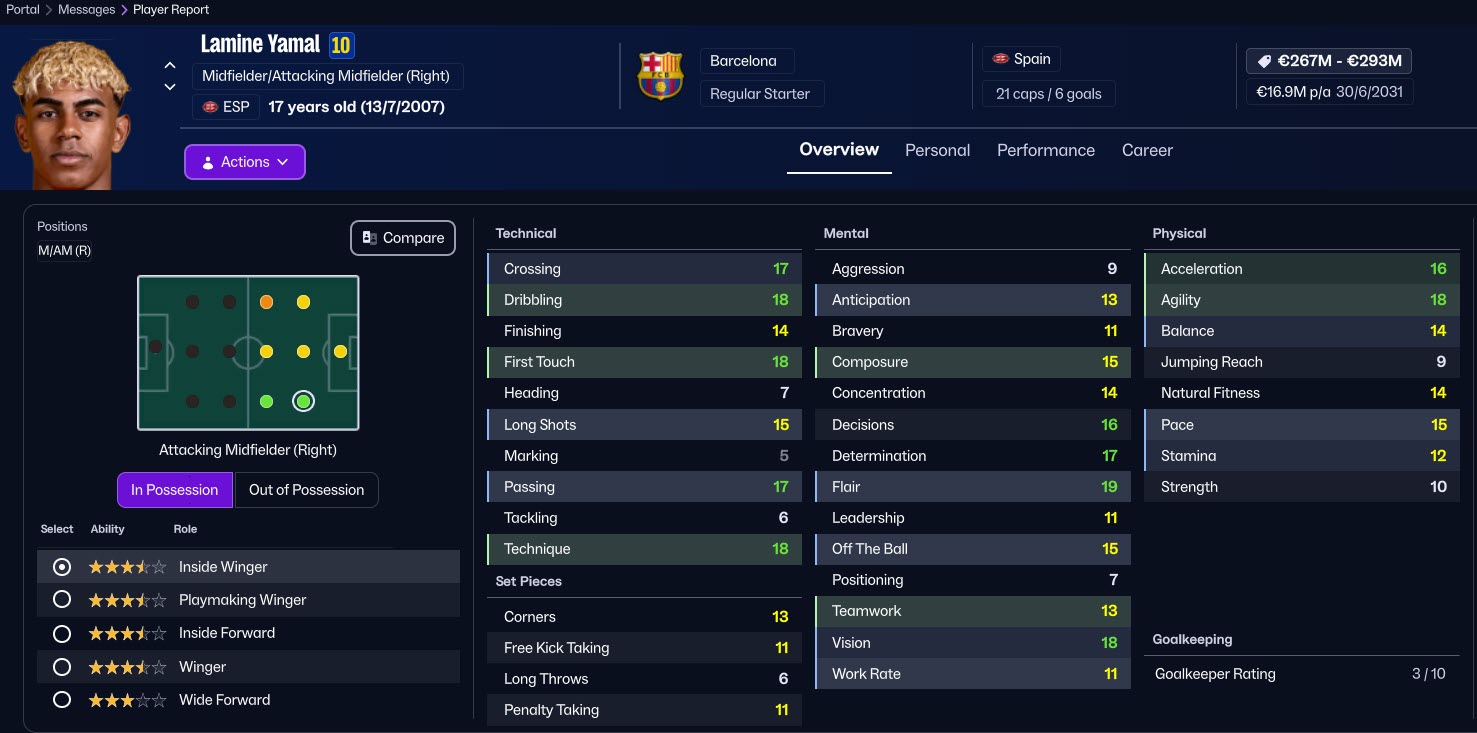
Lamina Yamal FM26 Profile
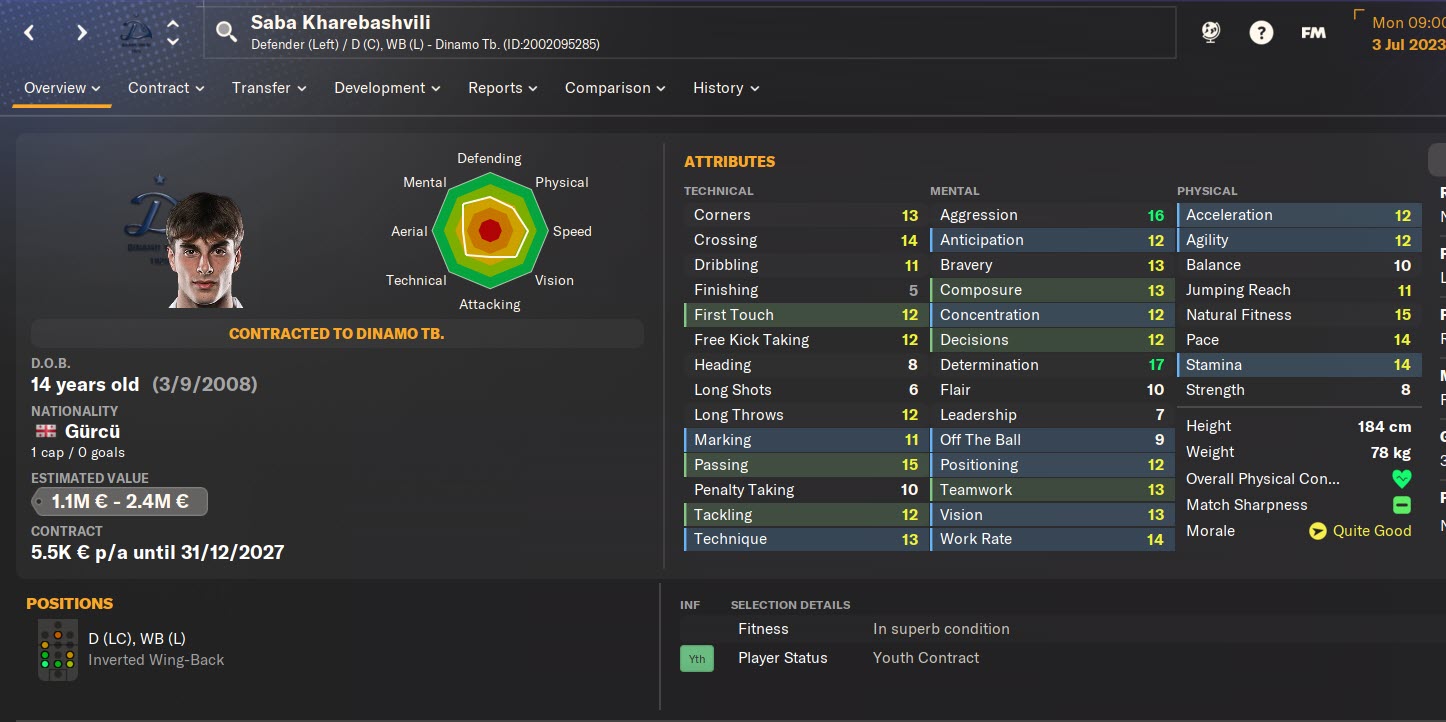
Saba Kharebashvili FM24 Patched Profile
Saba Kharebashvili FM26 Profile
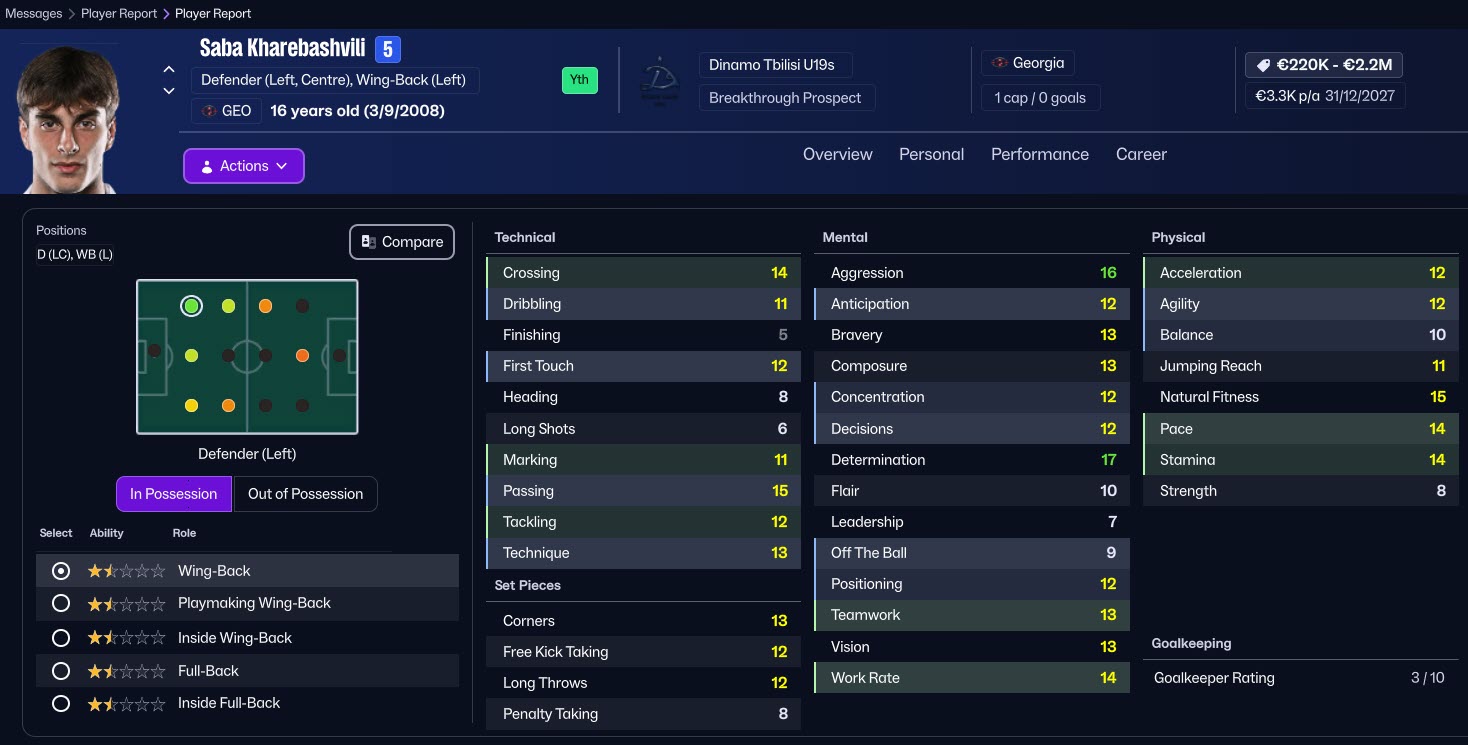
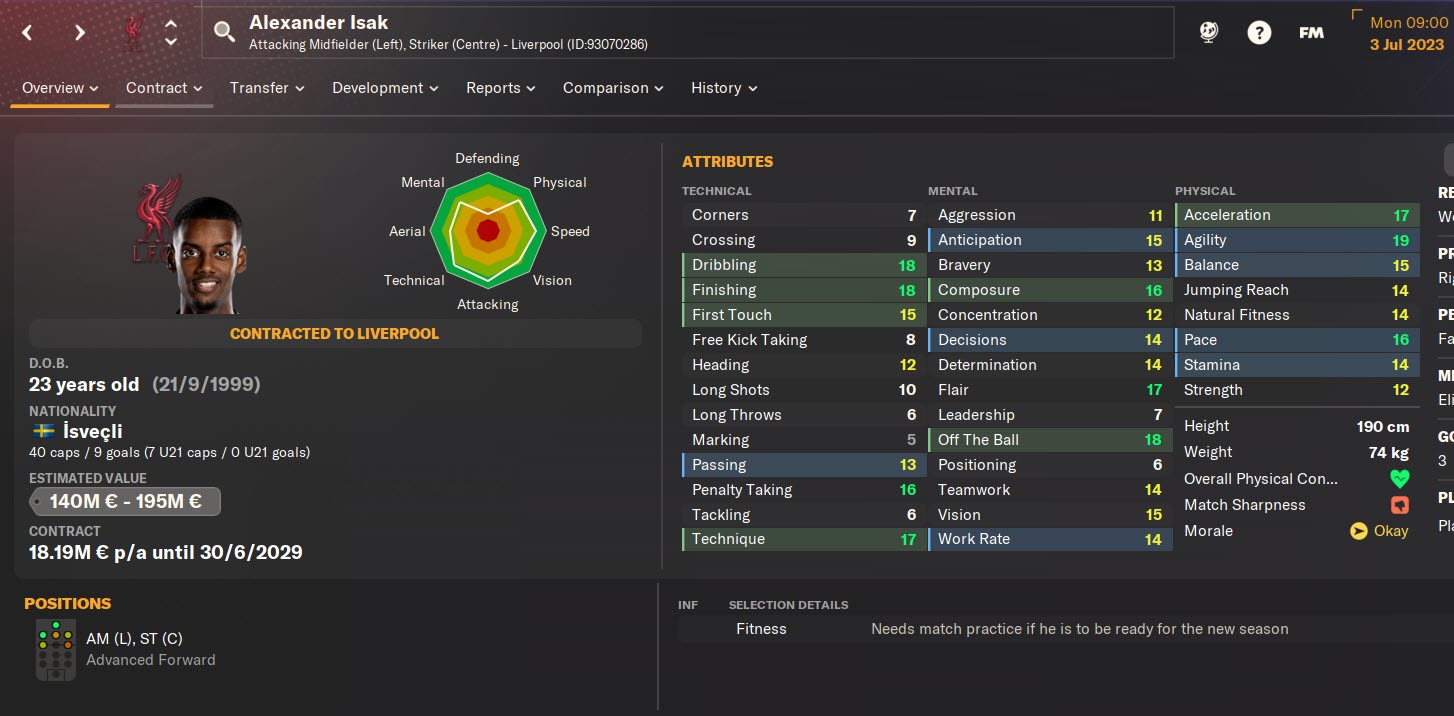
Sverre Halseth Nypan FM24 Patched Profile
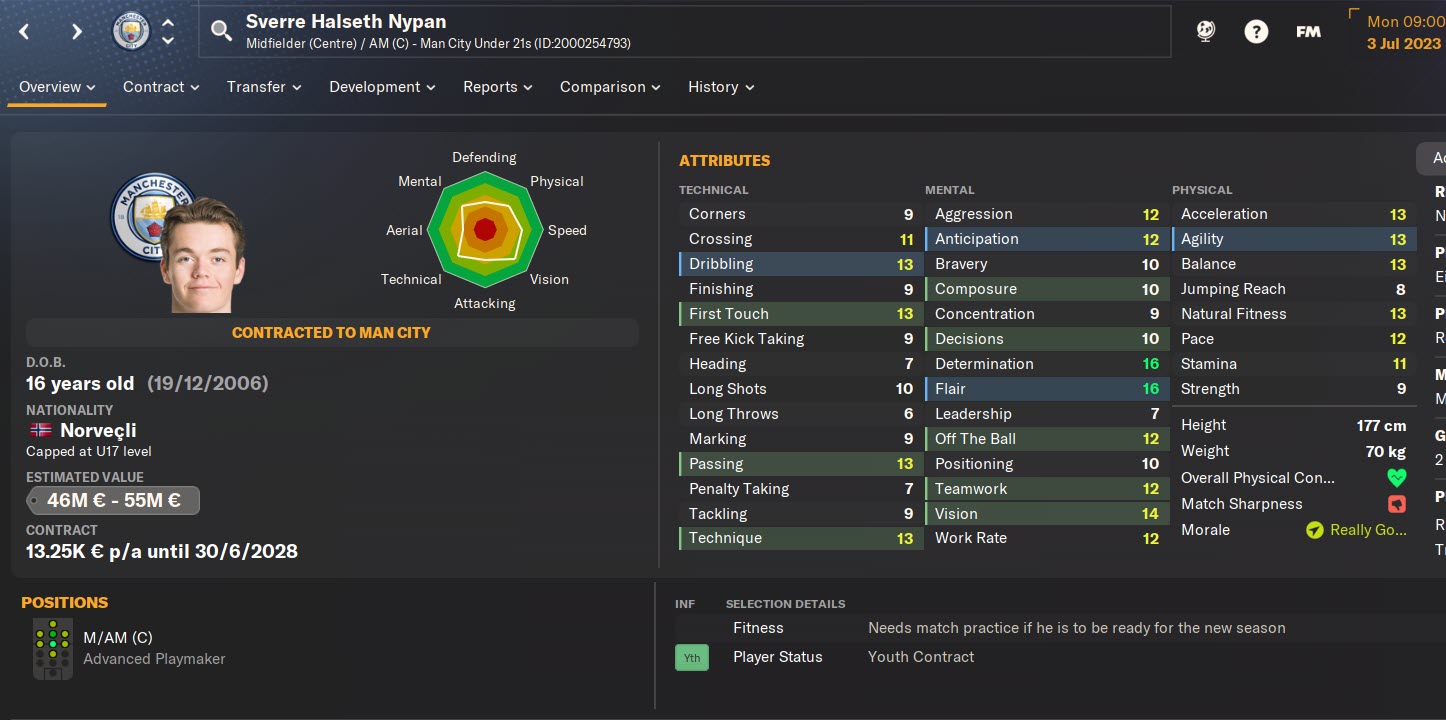
Sverre Halseth Nypan FM26 Profile
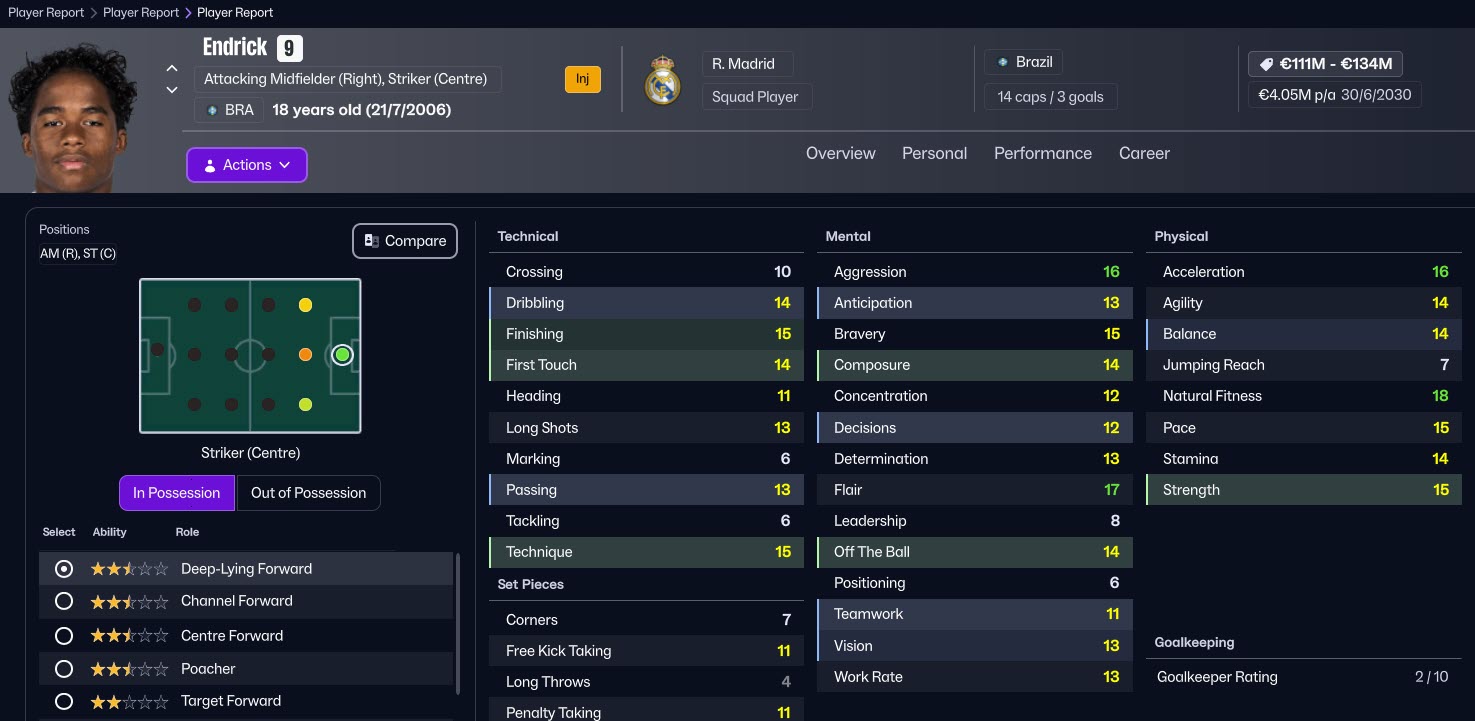
Endick FM24 Patched Profile
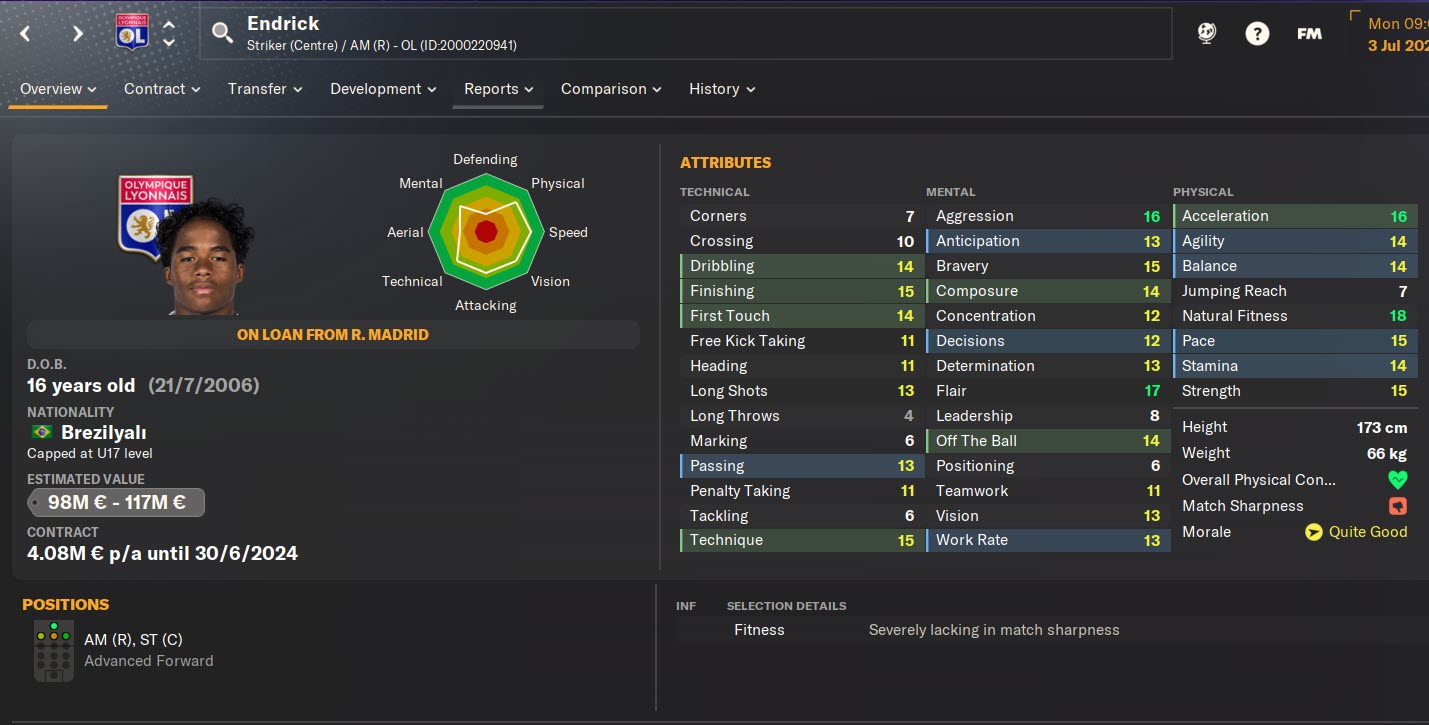
Endick FM26 Profile
FM24 CA/PA Update + Latest Transfers Patch (40,000+ Player Updates / 300+ New Wonderkids) – Installation Guide
— Updated: February 27, 2026 —
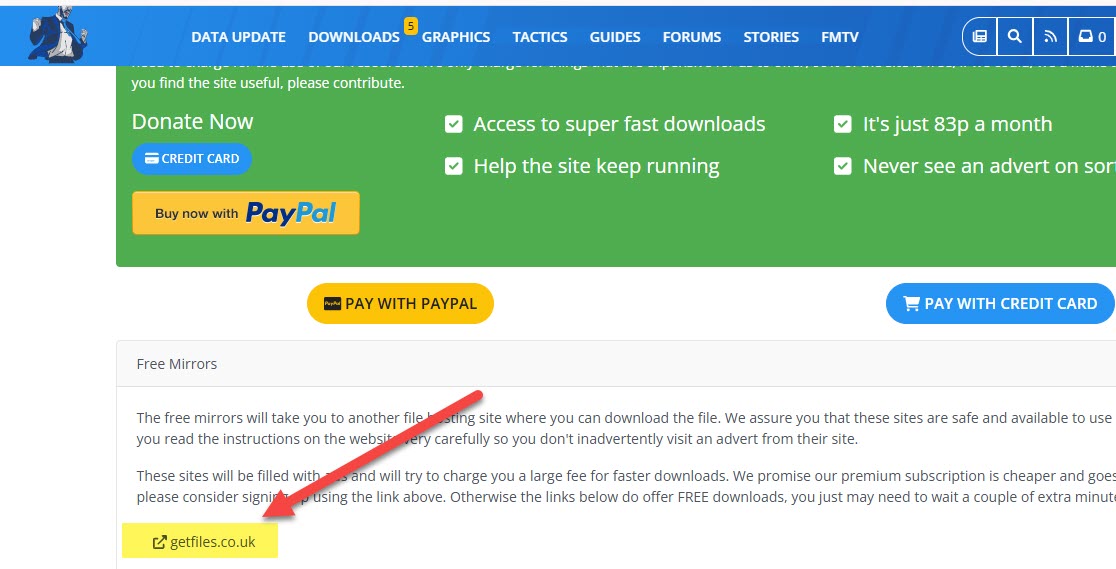
The patch is 100% free. When accessing the download page, make sure to click on the sections labeled “Free Download” or “Slow Download.” These are the correct options to download the files at no cost.
A sample screenshot of the correct download button is shown below for reference.
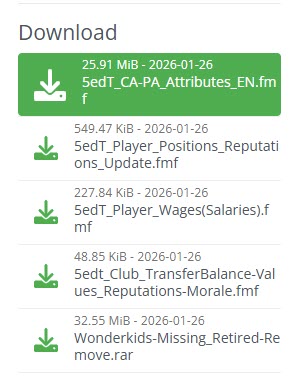
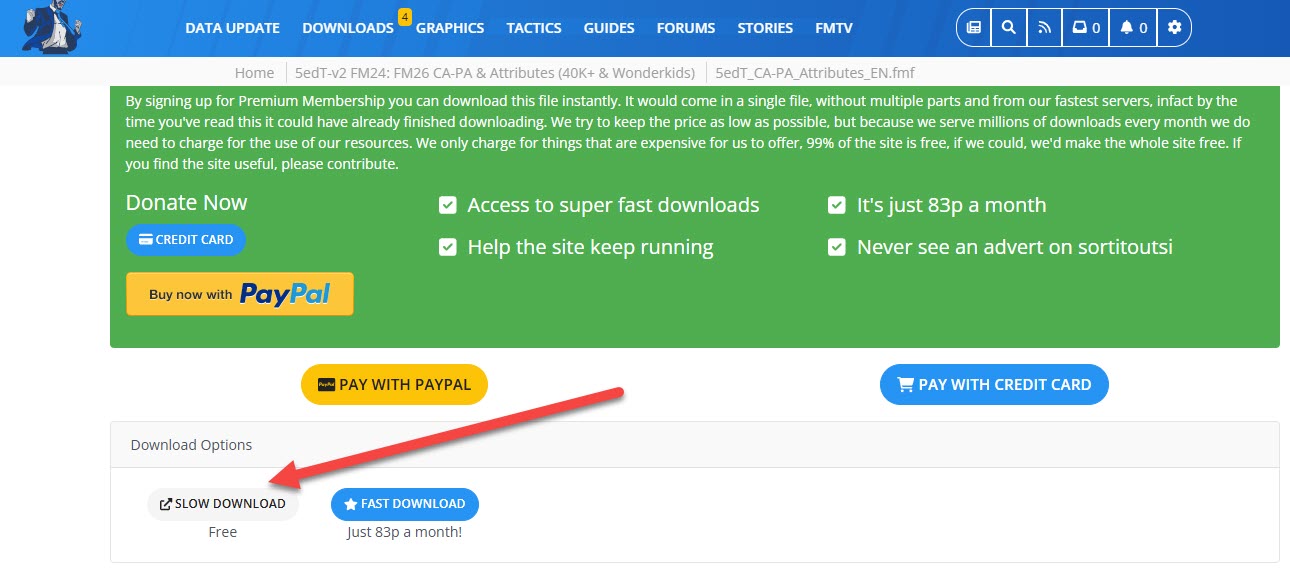 1) First, click the 5edT_CA-PA_Attributes_EN link as shown in the screenshot on Sortitoutsi and download this patch. We are downloading this patch to bring updates to players’ current and potential abilities to FM24.
When you download the patch;
- You will have the file 5edT_CA-PA_Attributes_EN.fmf.
You need to place this file into C:/Users/“username”/Documents/Sports Interactive/Football Manager 2024/editor data. (Documents\Sports Interactive\Football Manager 2024\editor data)
2) Now we download the position update so that the positions actively played by players in FM26 are transferred to FM24.
As shown in the screenshot, we download the 5edT_Player_Position_Reputations_Updates.fmf file.
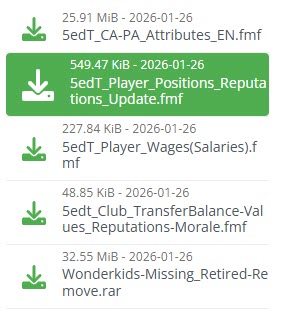
When you download the patch;
- You will have the file 5edT_Player_Positions_Reputations_Update.fmf
You need to place this file into C:/Users/“username”/Documents/Sports Interactive/Football Manager 2024/editor data (Documents\Sports Interactive\Football Manager 2024\editor data)
3) Now it’s time to update the players’ reputation, morale, and market value in FM24. To do this, we download the 5edT_CLUB_TransferBalance-Values_Reputations-Morale file as shown in the screenshot.
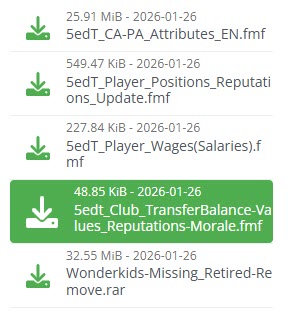
When you download the patch;
- You will have the file 5edt_Club_TransferBalance-Values_Reputations-Morale.fmf
You need to place this file into C:/Users/“username”/Documents/Sports Interactive/Football Manager 2024/editor data (Documents\Sports Interactive\Football Manager 2024\editor data)
4) To add wonderkid players to FM26 who are not present in FM24, we also need to download the wonderkid file.
To do this, download the Wonderkids-Missing_Retired-Remove file as shown in the screenshot. (Click on the one that says “Slow download,” meaning it’s free.)
— This file may conflict with the Sortitoutsi files you will download later. The problem of some young players appearing twice in the game is due to this file. If you encounter such a problem with the team you are playing a career with, you can skip downloading this file.
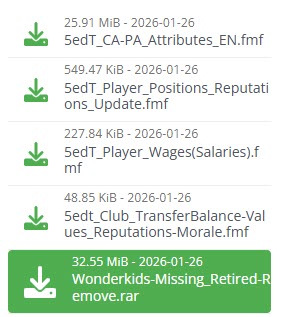
After downloading the patch, extract it to a folder using a file extraction program like WinRAR. Of the extracted files, only the
- 5edT_Wonderkids_Missing_Update.fmf
file needs to be placed in the following location: C:/Users/“username”/Documents/Sports Interactive/Football Manager 2024/editor data (Documents\Sports Interactive\Football Manager 2024\editor data).
The folder also contains the Retired-Remove_ETC_Changes.fmf file, which removes player injuries and retired players from the game database, but you don’t need to use it.
This folder also contains the face patch for the newly added wonderkid players. If you are not using an up-to-date face patch, you can also use this face pack.
5) Now it’s time to bring the updated player salaries from FM26 to FM24.
To do this, we download the 5edT_Player_Wages(Salaries) file as shown in the screenshot.
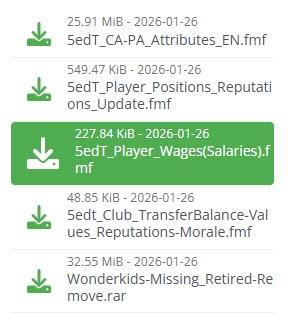
When you download the patch;
- You will have the file 5edT_Player_Wages(Salaries).fmf.
You need to place this file into C:/Users/“username”/Documents/Sports Interactive/Football Manager 2024/editor data. (Documents\Sports Interactive\Football Manager 2024\editor data)
6) Now you need to download the latest transfer patch.
Click here to download the latest FM24 transfer patch
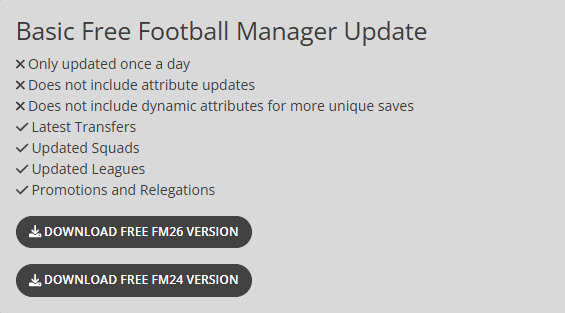
On Sortitoutsi, click on the section that says “Download Free FM24 Version” as shown in the screenshot.
First, extract the file you downloaded from Sortitoutsi to a folder using a file extraction program such as WinRAR. Then, place all the extracted files into the following location: C:/Users/“username”/Documents/Sports Interactive/Football Manager 2024/editor data (Documents\Sports Interactive\Football Manager 2024\editor data).
7) Now open Football Manager 2024 and follow the steps below one by one.
8) First, you need to set the game language to ENGLISH during the installation process. To do this, click the Preferences button on the main page, select ENGLISH in the section where it says game language, and click the Confirm button. A notification message will appear saying “Changing Theme,” and your game language will be English. (After setting up your career, you can play the game again with your DESIRED LANGUAGE OPTION.)
9) Press the “Start A New Game” button.
10) Press the “Career” button.
11) Click on “Database 24.3.0 Update” in the upper right corner of the screen. You will see a total of 63 files in the editor files section. Of these files:
- If you don’t want the players’ birth dates to change by +2 years, uncheck the box next to the file that says “FM24 Data Update – +2 Age and Contract Years”. If the game starts in 2023 but the players’ real ages aren’t in the game, don’t uncheck this box.
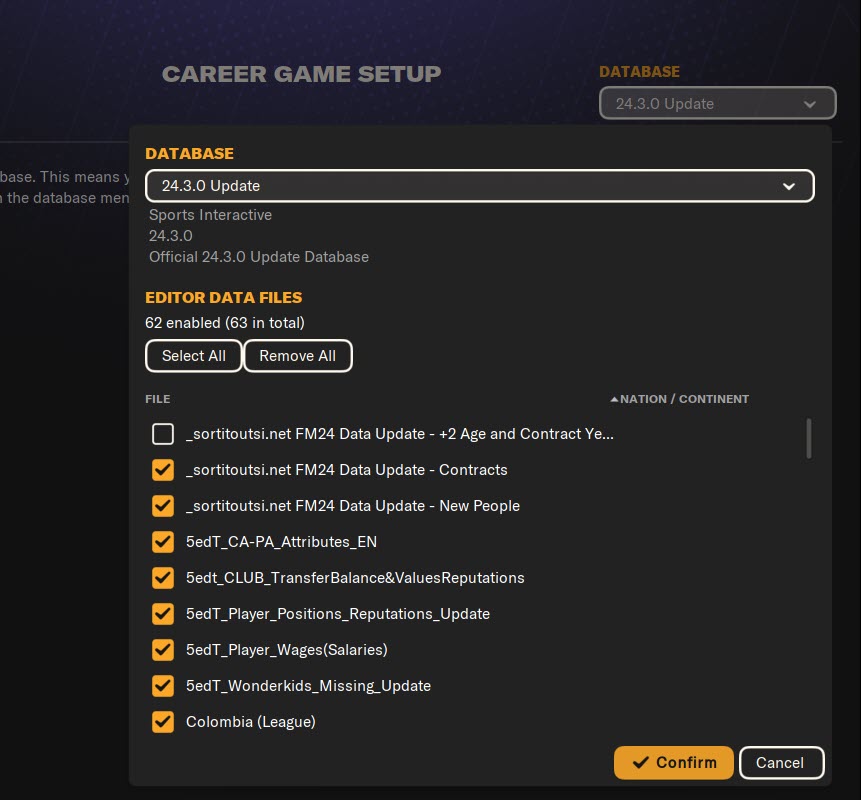
13) Press the Confirm button and then press the Choose Game Mode button.
14) Select Original and press the Advanced Setup button.
15) Select the leagues you want to play in and press the Start Game button.
16) After the database setup for the game is complete, select your manager profile and choose the team you want to manage.
17) Now it’s time to set the game language back to YOUR DESIRED LANGUAGE OPTION. Press the FM logo in the upper right corner and click on Preferences on the screen that appears.
18) On the screen that appears, select your DESIRED LANGUAGE in the Game Language field and press the Confirm button.
19) You have activated the CA/PA update + new wonderkids + current transfer patch for FM24. Have a successful career!