
Starting a new Football Manager career is always exciting. A new club, a fresh squad and an entire football world waiting to be explored. But before you take your place in the dugout, there are a few important decisions that can shape your experience throughout the save.
Football Manager 27 introduces changes to navigation, tactical management and the way you interact with your squad. That makes your initial setup more important than ever, particularly if this is your first time playing the new edition.
Whether you’re a newcomer learning the basics or an experienced manager looking to build the perfect long-term career, getting a few things right before your first match can make a significant difference.
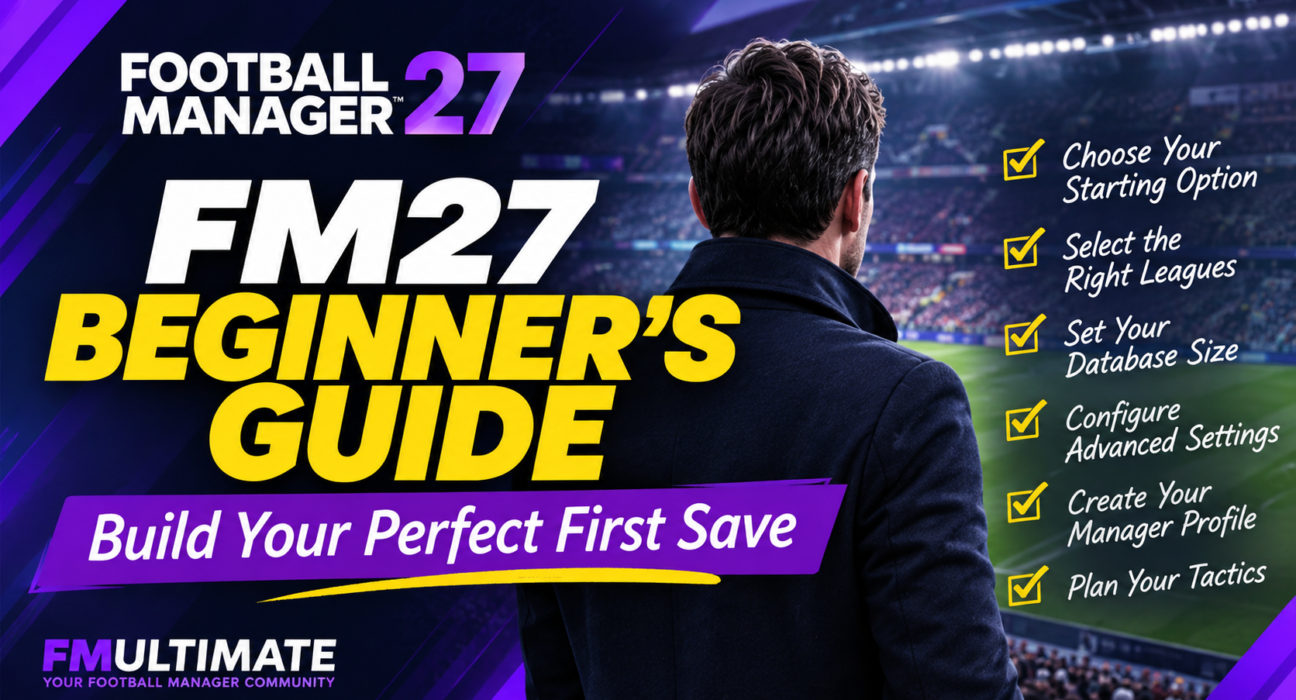
In this guide, we’ll walk you through the most important decisions to make before starting your FM27 save, from selecting leagues and database settings to creating your manager and planning your tactical identity.
Let’s get your next career off to the right start.
1. Choose the Right Starting Option
When creating a new career, your first decision is how much control you want over the setup process.
Football Manager offers different ways to get started, and the best choice depends on your experience and the type of save you have in mind.
Quick Start: The Easier Option
If you’re new to Football Manager, Quick Start is a convenient way to begin.
It simplifies the initial process and helps you get into the game without spending too much time adjusting settings. The game handles more of the initial setup, allowing you to focus on choosing a club and getting familiar with your responsibilities.
It’s a good option if:
- You’re playing Football Manager for the first time.
- You want to start managing as quickly as possible.
- You’re not particularly interested in customising the database.
- You want a straightforward career without too many initial decisions.
Advanced Setup: More Control Over Your Career
For experienced players, Advanced Setup is worth considering.
It gives you more control over your football world, including the leagues you want to load, database options and additional career settings.
You can build a smaller, faster save or create a much larger football environment with more players and competitions.
Our recommendation: Choose Advanced Setup if you’re planning a long-term career. Quick Start is perfectly fine for beginners, but having control over your game world can make a difference over several seasons.
2. Select the Right Leagues
This is arguably one of the most important decisions you’ll make before starting your FM27 career.
The leagues you select determine which competitions are active, where you can manage and how much of the football world is simulated.
However, loading every available league isn’t necessarily the best approach.
Playable Leagues vs View-Only Leagues
FM27 gives you different ways to include football nations and competitions in your save.
Playable
- You can manage clubs in the selected league.
- Active players are loaded for the competition.
- The league operates as a playable part of your football world.
View-Only
- You cannot manage clubs in that competition.
- You can still follow league results and competitions.
- Active player data isn’t generated in the same way as in playable leagues.
Playable/View-Only Below
Where available, this option allows you to play in a selected division while keeping lower divisions view-only.
This can be useful if you want to experience a country’s football pyramid without loading every division as fully playable.
Which Leagues Should You Load?
The best setup depends on your career ambitions.
Here are three practical approaches:
For a Premier League Career
Consider loading England as your main playable nation, alongside major European leagues such as Spain, Germany, Italy and France.
This gives you a strong environment for domestic competition, European football and transfer activity.
For a Lower-League Challenge
Load the relevant divisions in your chosen country. If you’re planning to take a club from the lower divisions to the top flight, having the necessary football pyramid available is particularly important.
You can also include nearby countries to create a wider recruitment environment.
For a Global Scouting Career
If discovering players from different parts of the world is important to you, consider adding selected nations from South America, Africa and Asia.
You don’t necessarily need to make every league playable. A carefully selected group of nations can provide a wider scouting environment without loading too many competitions.
One important thing to remember: You can add or remove leagues after starting your career.
This means you don’t need to build the entire football world perfectly on day one. You can adjust it as your career develops.
3. Find the Right Database Size
Selecting your leagues is only part of the equation. Your database settings also influence how many players and staff members are available in your game world.
A larger database can give you more options when searching for players, particularly if you enjoy discovering young talents and building a recruitment network.
However, loading more players and competitions also increases the processing demands on your computer.
Small, Medium or Large?
Think about your priorities before making a decision.
- Small Database: Suitable for players who prioritise performance and a more focused football world.
- Medium Database: A sensible starting point for most players.
- Large Database: Better suited to players who want a wider selection of players and staff.
If you’re unsure, start with the recommended or balanced option rather than immediately selecting the largest possible database.
Should You Use a Custom Database?
If you’re planning a specialised career, custom database settings can be particularly useful.
For example:
- A wonderkid-focused save can benefit from a wider selection of young players.
- A global scouting challenge may require players from several different regions.
- A lower-league journey may benefit from including players from additional divisions.
The important thing is to build the database around your career idea rather than simply trying to load as many players as possible.
Our recommendation: Medium is a sensible starting point for most computers. Increase the database size if you have a capable system and a clear reason to do so.
Remember that the number of playable leagues can have a substantial effect on processing speed. More active competitions mean more matches and additional simulation work.
4. Review the Advanced Settings
Before confirming your new career, take a moment to review the additional settings.
Some of these decisions affect the realism and difficulty of your save.
Attribute Masking
Attribute Masking determines how much information you can see about players you haven’t properly scouted.
With masking enabled, you won’t automatically know every player’s exact attributes. You’ll need to build knowledge through scouting and other recruitment activities.
With masking disabled, player attributes are more immediately accessible.
Our recommendation: Keep Attribute Masking enabled if you want a more realistic scouting experience. Disable it if you’re learning the game or prefer to see all available information.
In-Game Editor
If you own the In-Game Editor, check whether you want it available in your career.
Some managers enjoy having the freedom to make adjustments, while others prefer to maintain the original conditions of their save.
For a traditional challenge, we’d recommend keeping the experience as close to the default game as possible.
Other Database and Career Options
Depending on your selected career mode and setup, review the other available options before continuing.
Think about the kind of football world you want to create, rather than automatically accepting every default setting.
A realistic long-term career, a fantasy experiment and a short-term challenge don’t necessarily need the same configuration.
5. Choose Your Football World
FM27 offers different starting-world options that influence the environment in which your career begins.
Before making your choice, consider whether you want to follow the existing football landscape or create a different starting point.
Your choice should match the story you want to build.
For a traditional club career, a familiar football environment is usually the easiest place to start. If you’re interested in experimenting with different scenarios, explore the alternative options available in your selected game mode.
Don’t worry too much about finding a universally perfect setting. The most enjoyable setup is the one that supports the kind of career you actually want to play.
6. Create Your Manager Profile
Now it’s time to create the person who will lead your team.
Your manager profile is more than a name and an appearance. Your coaching qualifications and playing experience help establish the starting point of your managerial journey.
Coaching Qualifications
Think about the level of club you’re taking charge of.
If you’re managing an elite club, a highly qualified manager is a natural fit.
If you’re starting in the lower leagues, choosing more modest qualifications can make your career feel more authentic.
Playing Experience
Your manager’s playing background is another opportunity to establish a believable career story.
Were you a former professional footballer? An experienced coach? Or someone taking their first steps into senior management?
There’s no single correct answer.
Our recommendation: Match your qualifications and experience to your club and the challenge you want. A lower-league rebuild can be much more rewarding when your manager starts with realistic credentials.
7. Build Your Tactical Identity Before Your First Match
One of the biggest mistakes new managers make is choosing a formation simply because it looks familiar.
A 4-2-3-1 might be popular, but that doesn’t automatically make it the right choice for your squad.
FM27 places greater emphasis on the relationship between your tactical approach, player suitability and the team’s overall Tactical Effectiveness.
This makes it important to think about your football philosophy before committing to a system.
Start With Your Squad
Before building your tactic, consider:
- Who are your best players?
- Do you have natural wingers or prefer playing through the middle?
- Is your defence suited to a high line?
- Do your midfielders have the attributes required for your preferred style?
- Can your forwards lead a pressing system?
Your formation should help your best players perform rather than force them into unsuitable roles.
Don’t Change Everything at Once
Tactical Effectiveness in FM27 connects several elements of your team’s performance, including Player Ability, Tactical Understanding, Player Buy-In and Next Match Information.
This means a completely new tactical approach may require time and work before your players become comfortable with it.
If you’re taking charge of a team with an established identity, consider making gradual changes rather than completely rebuilding the system immediately.
Keep Your First Tactic Simple
If you’re new to the game, don’t overload your tactic with complicated instructions.
Start with a clear formation, suitable player roles and a playing style that matches your squad.
You can experiment with Tactical Tweaks during matches as you learn more about how your team responds to different situations.
For experienced players, the opportunity to develop a more detailed tactical identity is one of the most interesting parts of starting a new FM27 career.
8. Your First-Day Checklist
Once your save has loaded, resist the temptation to immediately advance to the next match.
There are several things worth checking before your managerial journey really begins.
Use this checklist to get organised.
Review the squad and identify your strongest players.
Check player contracts and upcoming expirations.
Identify positions that need strengthening.
Review the club’s transfer and wage budgets.
Check the existing tactical setup.
Review your coaching and backroom staff.
Look at the club’s board expectations.
Check the upcoming fixtures.
Review training arrangements.
Familiarise yourself with the new FM27 navigation system.
You don’t need to complete every task immediately, but understanding your club’s current situation will help you make better decisions.
Get Comfortable With the New FM27 Interface
FM27 introduces a redesigned navigation experience, so returning players may need some time to adjust.
Take a little time to explore the main sections:
- Portal
- Squad
- Tactics
- Transfers
- Training
- Club
You can also customise certain navigation shortcuts and preferences to make frequently used areas easier to reach.
Rather than trying to learn every screen at once, focus on the sections you’ll use most frequently during your first few days.
Final Thoughts: A Better Setup Makes a Better Save
There’s no perfect Football Manager setup that works for everyone.
A player starting a lower-league rebuild will have very different requirements from someone managing Real Madrid or building a global scouting network.
The key is to understand what each setting does and make decisions that support your own career ambitions.
For most players, a balanced database, a carefully selected group of playable leagues and a straightforward tactical approach are excellent foundations.
Once your save begins, take your time, understand your squad and build your football philosophy gradually.
After all, the best Football Manager careers aren’t created in the setup menu. They’re built through the decisions you make over the next five, ten or even twenty seasons.
Your next FM27 story starts here.