
We’re continuing our FM27 Mobile content with a licensing fix patch. If you’re looking to get rid of fake club names such as Blu-Neri Milano, Casciavit and Celesti, especially in Italy’s Serie A, the FM27 Mobile licensing patch is one of the essential mods for anyone playing Football Manager on mobile devices. Here’s everything you need to know about the FM27 Mobile Licensing Patch, including the installation steps.
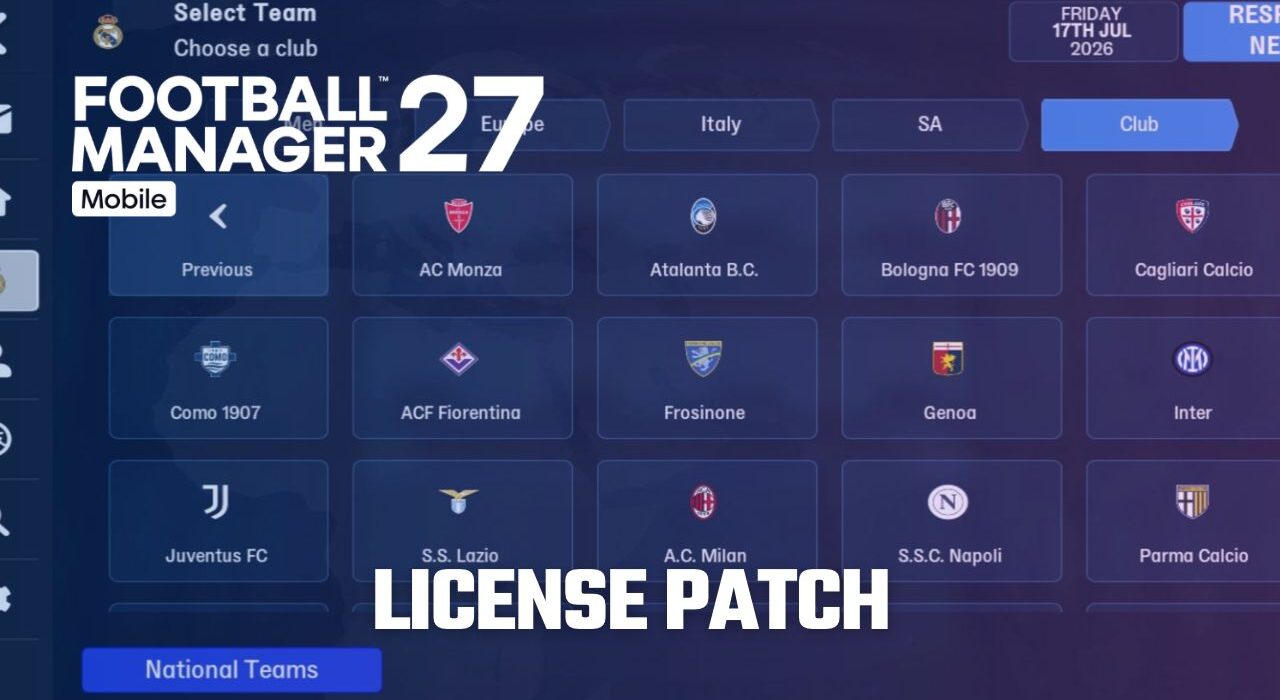
Although Sports Interactive continues to increase the number of officially licensed leagues every year, licensing patches remain an essential part of the Football Manager experience for leagues, clubs and competitions that are not fully licensed. In FM27 Mobile, due to certain licensing restrictions and issues, some national teams and clubs—including Inter, Milan and Atalanta in Serie A—appear under names that differ from their real-world names.
The FM27 Mobile Licensing Patch provides a simple solution to these issues. Instead of seeing names such as Blu-Neri Milano, Casciavit and Celesti, you can have the real club names Inter, Milan and Atalanta displayed in FM27 Mobile.
In this guide, we’ll show you how to install the FM27 Mobile Licensing Patch and explain everything you need to know about the patch.
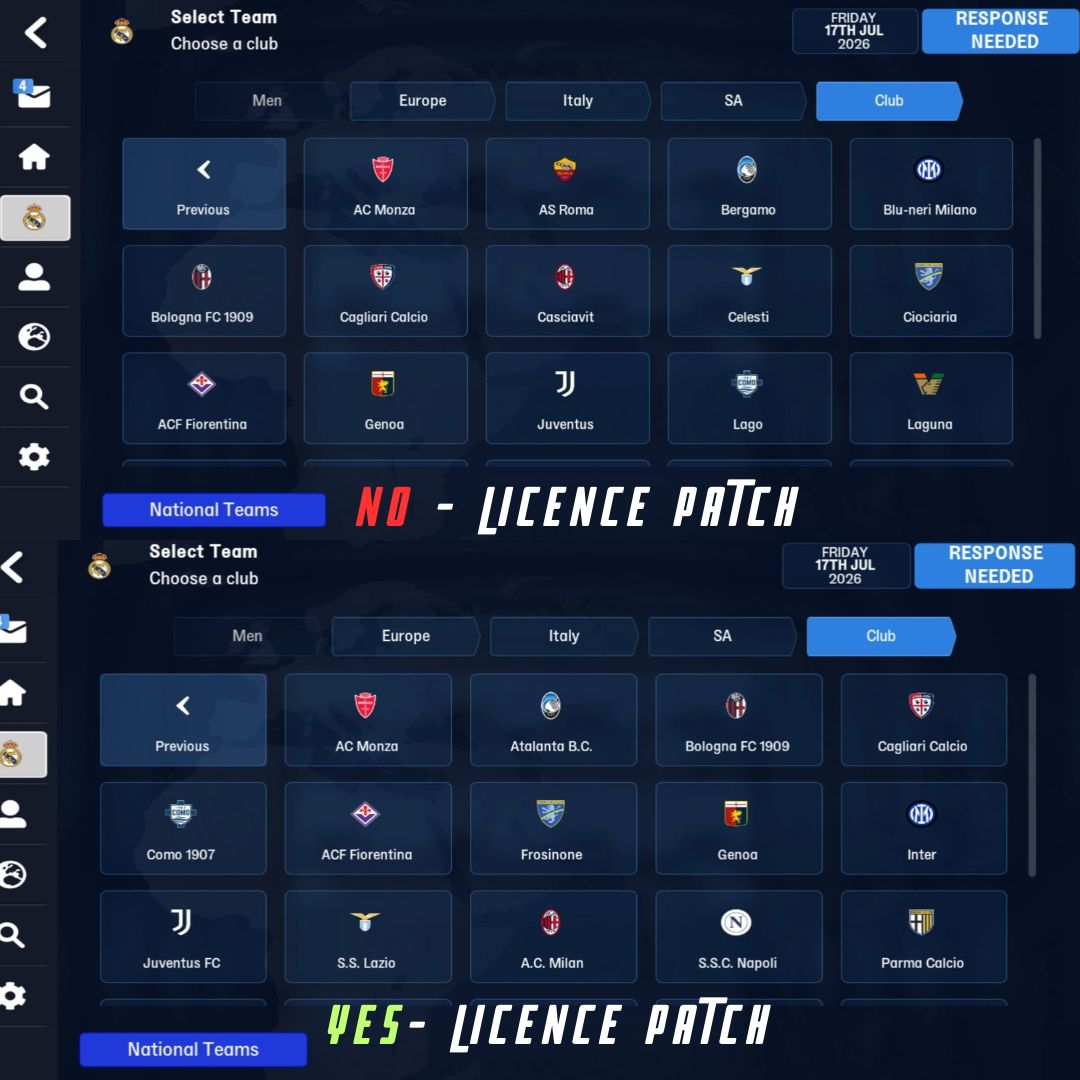
How to Install FM27 Mobile Licensing Patch (Step-by-Step Guide)
1) First, launch Football Manager 27 Mobile at least once. After downloading the game, don’t jump straight into installing the logo pack. Open the game once to allow all necessary game files to be created and installed on your device.
2) After entering the game, you don’t need to start a career. You can simply exit the game. (Make sure to fully close it and ensure it’s not running in the background.) Now, before moving on to the installation steps, let’s download the face pack.
Click here to download the FM27 Mobile Licensing Fix Pack
3) We will explain the installation steps for Android phones that allow access to the phone’s file folders, such as Xiaomi.
For other Android phone brands, you need to use programs like Shizuku, ZArchiver, EX File Manager, etc., and enable developer options on your phone to install the patch. For example, if you are using a Samsung Galaxy S24, you first need to find out how to enable developer options on a Samsung Galaxy S24, and then download the Shizuku application and the ZArchiver/EX File Manager programs.
4) First, download the EX File Manager program from the Google Play Store for your Xiaomi device.
Click here to download the EX File Manager application
After downloading the EX File Manager app, log in. The app will request permission to access files on your phone. Grant this permission and continue with the installation.
5) In the EX File Manager app, tap the “Internal Storage” section in the upper left corner and press the “Download” folder.
6) In the Download folder, press and hold the “Facepack_Nov_Upd.fmf” file you downloaded for 2-3 seconds and press the “Cut” button that appears at the bottom.
7) Now it’s time to place the downloaded “changes.txt” file in the game’s installation directory.
We will place the face pack in the Android/data/com.netflix.NGP.FootballManagerMobile/files directory.
Press the back button and return to the internal storage, the first directory where all the files on your phone are located. Here, tap the “Android” folder.
Inside the Android folder, tap the “Data” folder and find the “com.netflix.NGP.FootballManagerMobile” folder where the game is installed. Enter this folder.
Paste the “changes.txt” file into the “Files” folder inside the com.netflix.NGP.FootballManagerMobile directory.
8) Now open Football Manager Mobile 27 and check if the licence patch works correctly.
Now log back into the game and start using the licence patch.
9) If your face pack still doesn’t work, you need to “Reload Skin” in-game. To do this, log into FM27 Mobile.
Press the “Settings” button. Select the “User Interface” menu. On the page that appears, press the “Reload Skin” button at the bottom.